Mardal
- Industry
- Creative & Technology Studio
- Service
- Research · UX/UI Design ·
Development - Agency
- Direct client
- Location
- Kosovo
- Stack
- Figma · Next.js · React · GSAP · Vercel
Company
Design, software and AI, from Kosovo
Mardal is a studio in Kosovo that designs and builds for companies in Switzerland, Germany and Kosovo. It works in three disciplines, Creative, Development and AI + Automation, with nineteen services between them, from branding and print to custom software, CRM and AI assistants. Most of its work is in development and AI. Alongside client projects it builds products of its own, and its team brings together engineers, designers, AI researchers and psychologists.
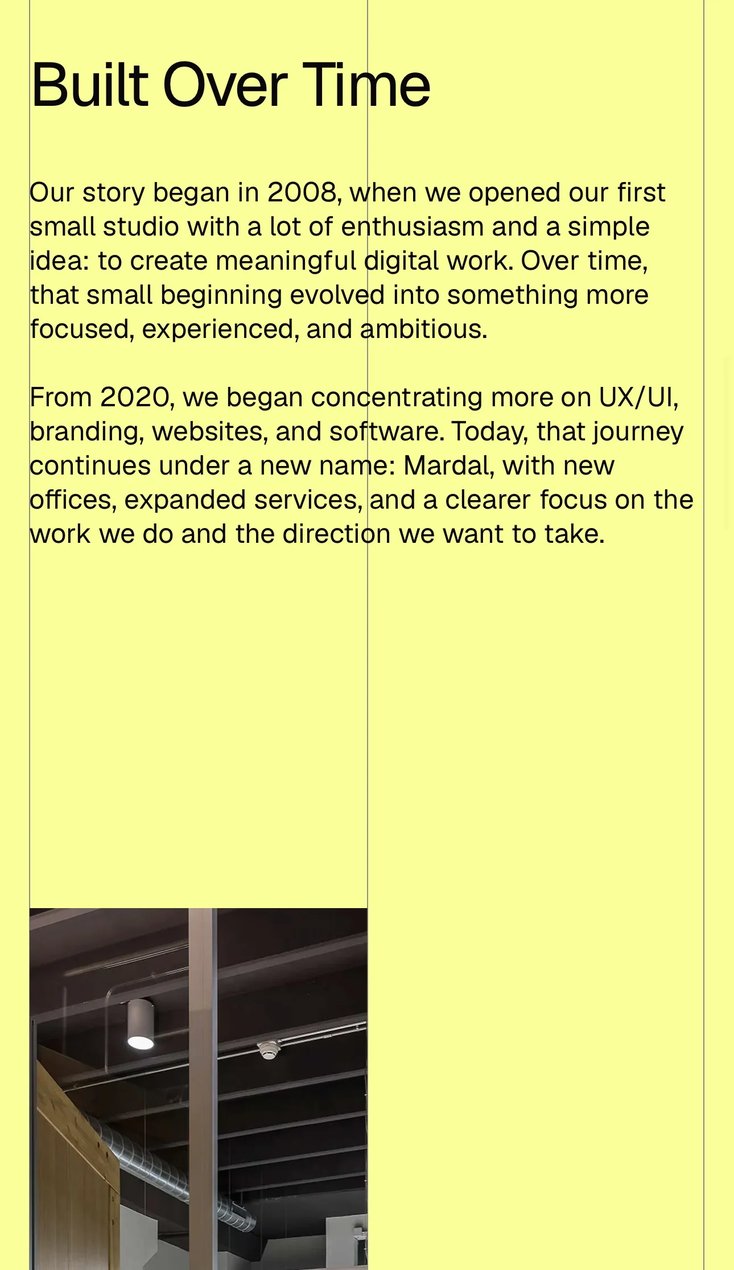
Mardal is the new name of a studio whose story began in 2008. I had worked on projects with Mardal before, and this one came to me directly in 2026, while the studio’s own team was fully booked with client work. The brief set out what Mardal does, how it works and what it offers. The structure, the interface and the build were mine; the logo and identity were part of the same commission and have a page of their own.
The problem
Nineteen services, for clients who need one
Mardal had no website. The old one had been taken offline, and the studio was working under a new name with nothing online to show. For a studio, that is a serious gap. In a study of more than a thousand buyers of professional services, more than eight in ten visited a firm’s website before deciding to hire it. Without one, Mardal was invisible at the exact moment a client went looking.
The harder problem was the offer itself. Mardal works across three disciplines and nineteen services, from branding and print to custom software, CRM and AI assistants. But clients do not arrive looking for nineteen things. They arrive with one problem (a new brand, an internal tool, an AI assistant for customer service) and look for someone who has solved that problem before. Research on how buyers choose firms shows the same pattern: they look for specialists, and they treat generalists as interchangeable. A studio that lists everything it does risks looking like a studio that is expert in nothing.
And visitors decide quickly. In a study at Carleton University, people judged how a web page looked within fifty milliseconds, and the judgement held when they looked for longer. In a Stanford study, nearly half of the people asked to assess websites judged their credibility partly by how they looked. A visitor decides whether Mardal looks capable before reading a word.
So the site had one job: show a wide offer in a way that lets every visitor find their one service quickly, and see enough depth there to trust that Mardal does it well.
Research
Thirty award winners, read the way a client would
I started with about thirty agency and studio websites, most of them winners on Awwwards, because that is where this kind of site is pushed furthest. I took them apart component by component: how the navigation opens and closes, how services are listed, how case studies are introduced, how much text sits on a screen, how motion is used, and how quickly a first-time visitor understands what the company does and where to go next.
The best of them shared a few habits. A visible structure, usually a grid the content keeps returning to. Type set large and left alone. Motion that answers the visitor (a scroll, a hover, a click) rather than performing for them. The weaker ones, awards or not, traded meaning for spectacle: a loading screen before any content, navigation hidden behind a gesture, scrolling that takes control away from the reader, headlines that sound impressive and say nothing.
An award site is judged by designers. Mardal’s would be judged by a company deciding whether to get in touch. That became the rule for the project: keep the craft, never at the cost of clarity.
Three principles followed from it. Start as the user: someone arriving cold should know from the first screen what Mardal is, what it does and where it is based. Push the craft further only where it carries meaning: grid, type and motion are allowed to be expressive when they help someone read. And keep cognitive load low: every section has one job and shows what that job is the moment it appears. In practice that meant a strict information hierarchy, progressive disclosure (detail for the service in focus, not for all nineteen at once) and the next step always within reach.
Before designing anything, I blocked the sections out in Figma to see the site as a sequence rather than as separate screens. It took several versions before the structure held.
Design
An exposed grid, one accent and a neo-grotesque
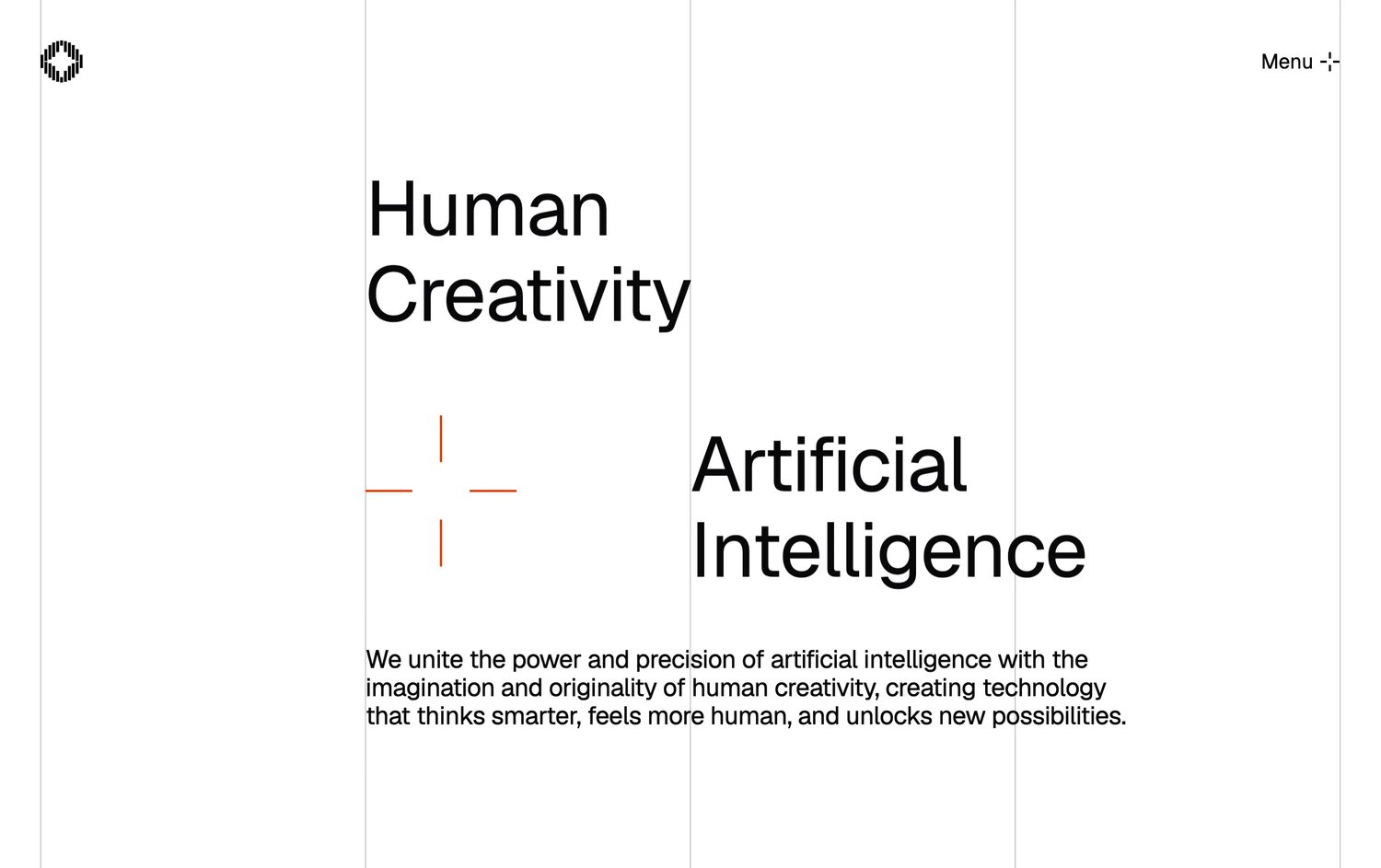
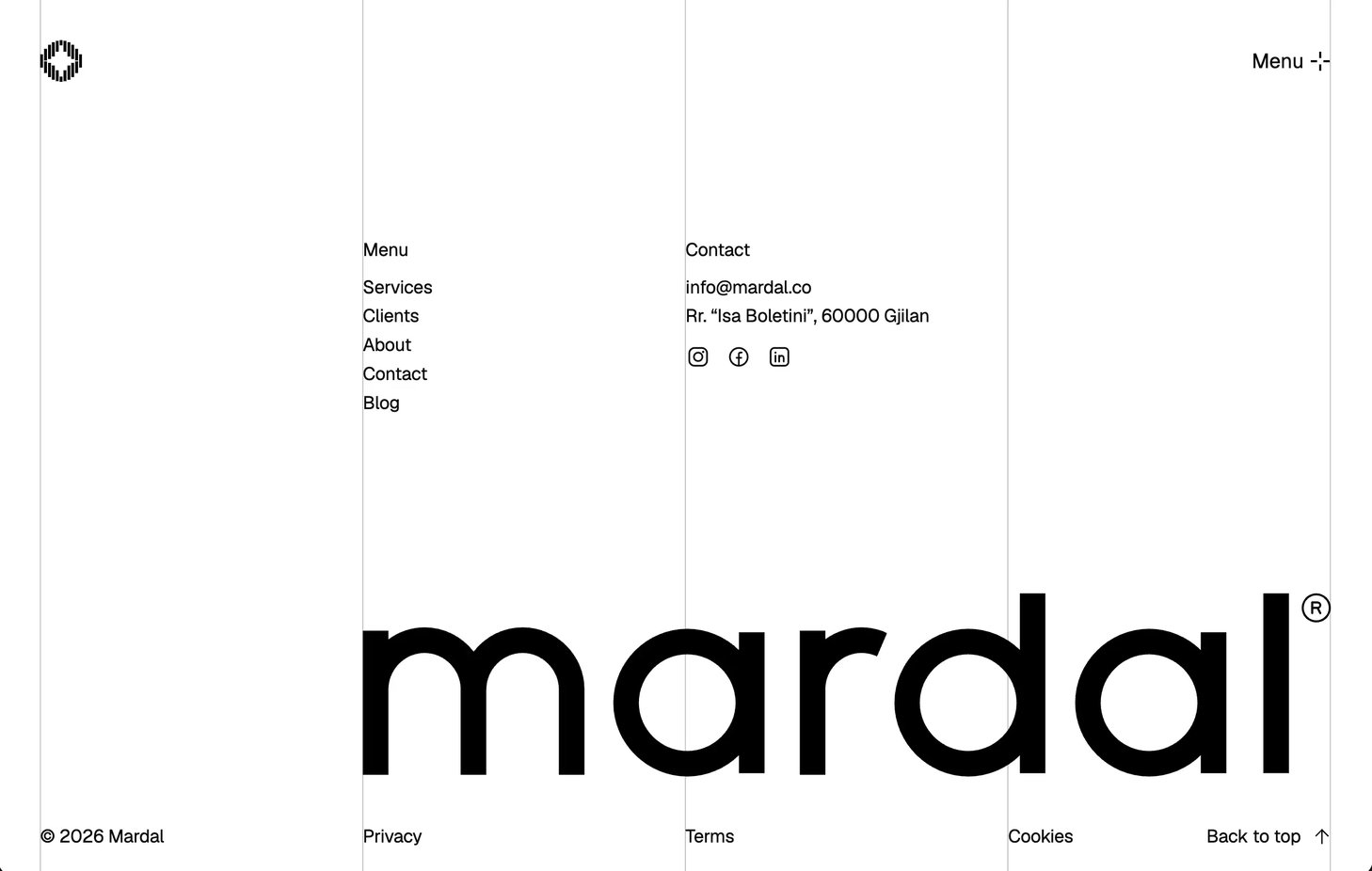
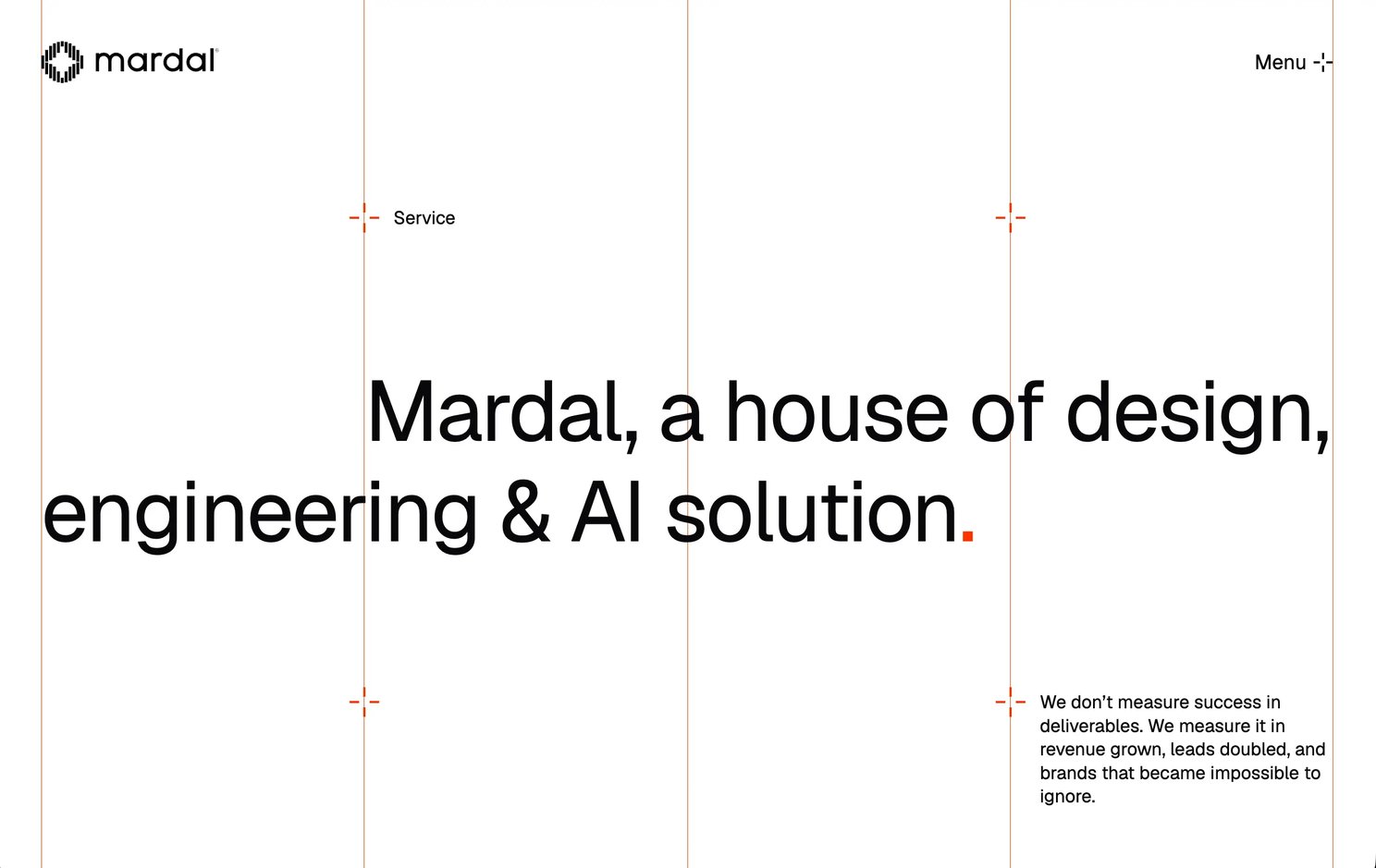
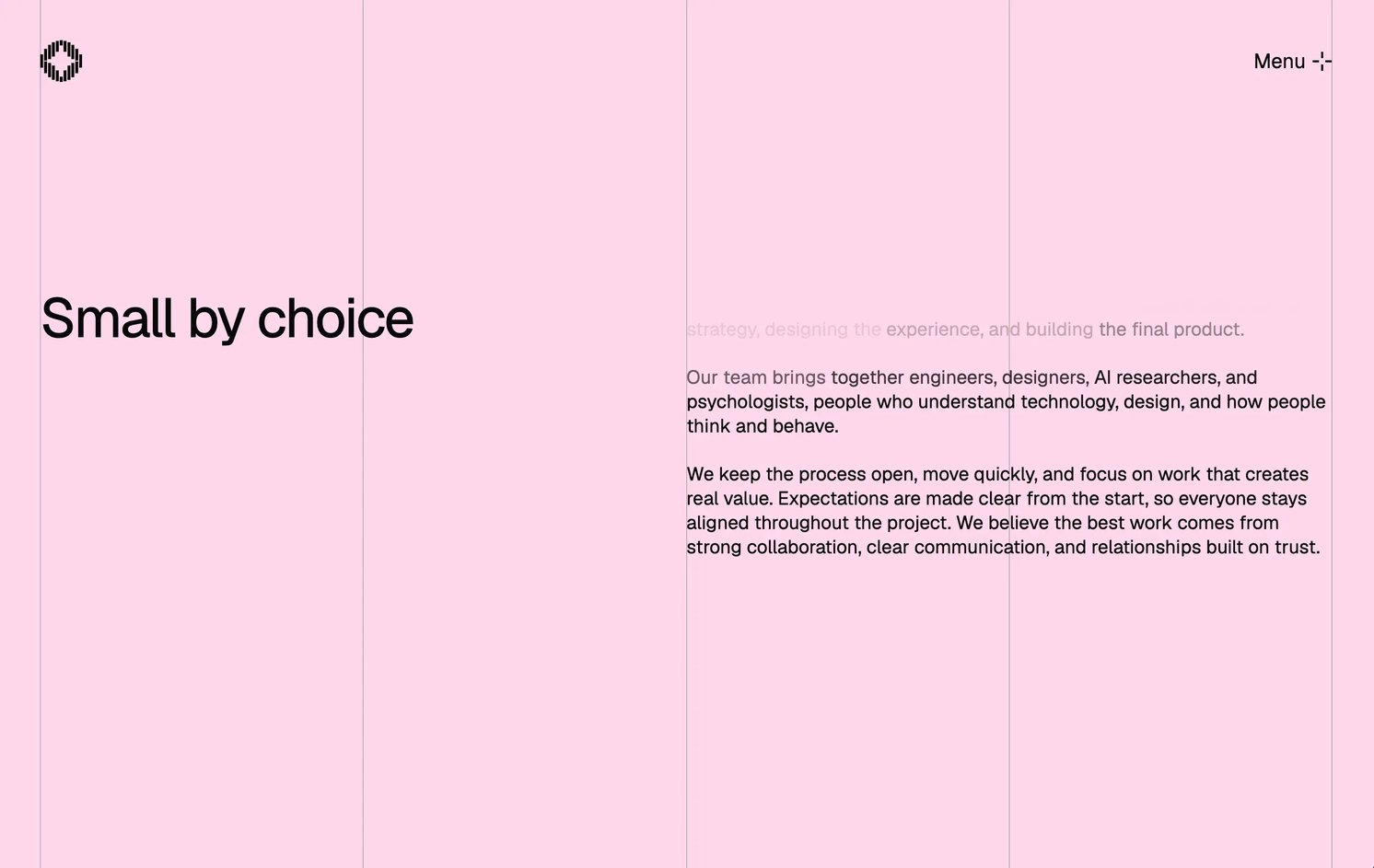
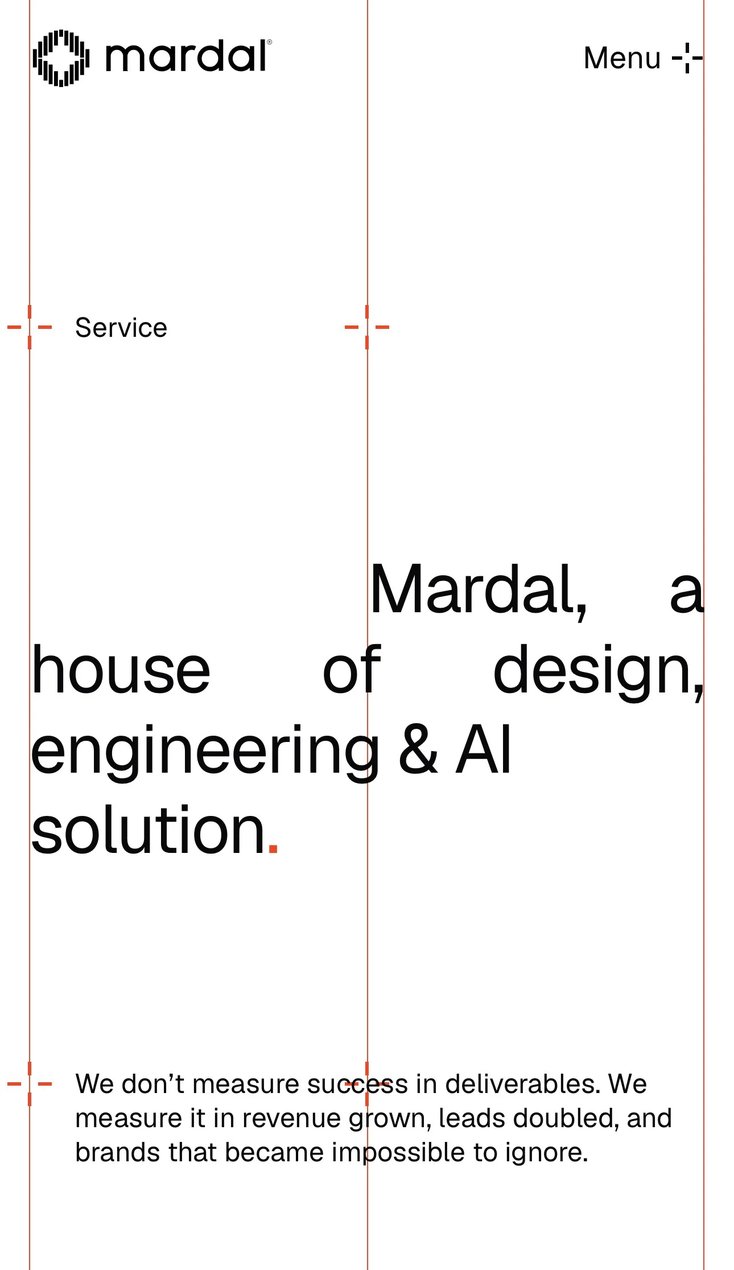
The layout is built on a four-column grid, and the grid is not hidden. Its column lines are drawn as hairline rules that run the full height of every page, so the structure that normally lives only in the design file becomes part of the visual language. Every element aligns to a column edge: headlines, body copy, lists and image crops. On a white ground with generous negative space, the exposed grid gives the whitespace edges and rhythm, and the emptiness reads as composition rather than missing content. Headlines are free to start on an inner column and break back to the outer edge, which creates asymmetry and tension without ever breaking alignment.
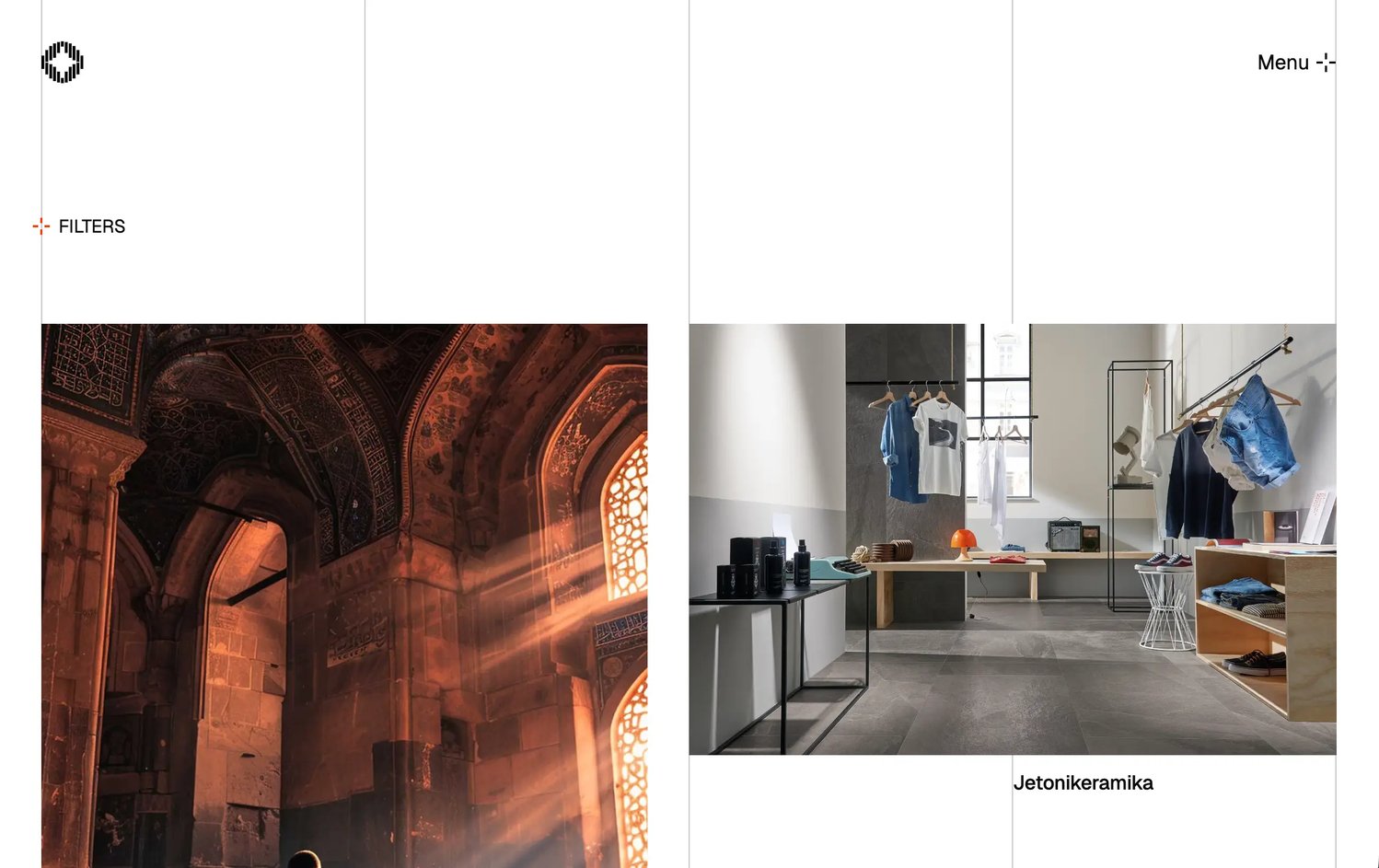
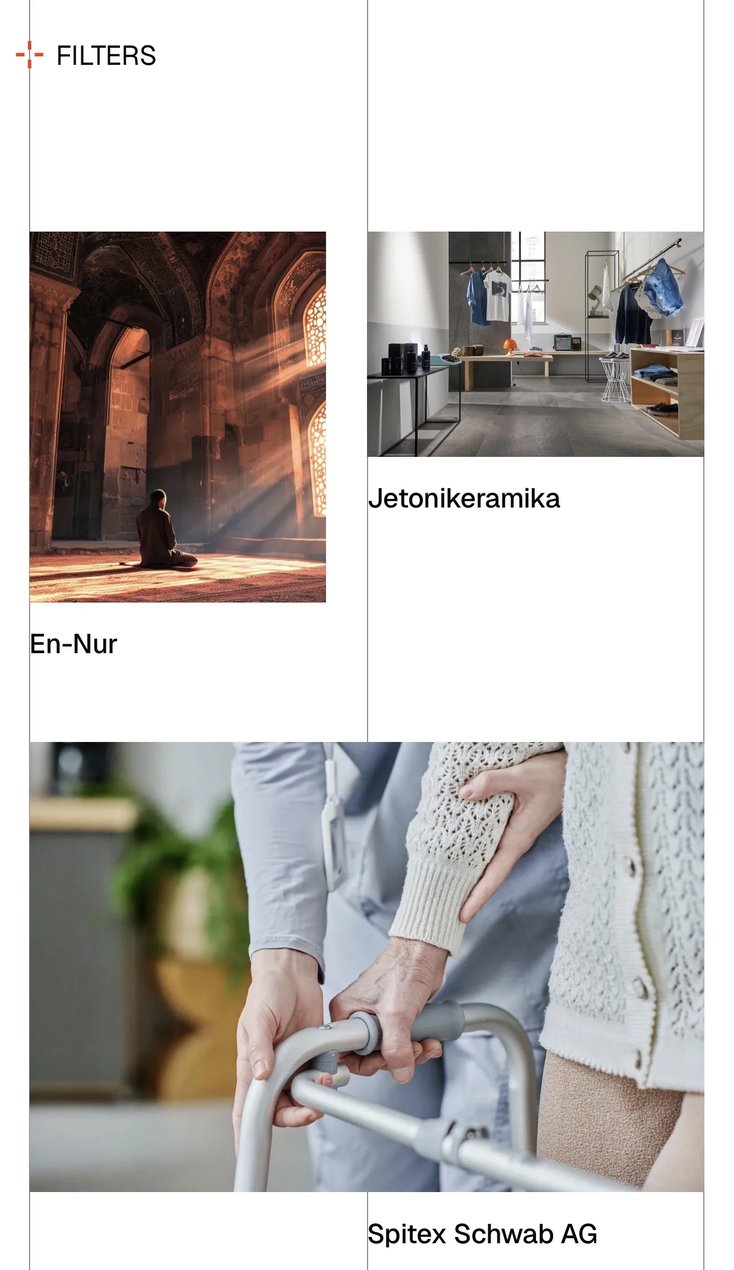
The palette is reduced to black, white and a single saturated red-orange accent, applied as a functional signal rather than decoration: the active state, the open menu, the selected service, the terminal full stop of a headline. On the Clients page the grid rules themselves switch to the accent, with markers at the column intersections.
The plus is a custom glyph: four detached strokes around an open centre, closer to a printer’s registration mark than to a mathematical sign. It is the one icon in the system and does four jobs: menu trigger, discipline marker, list bullet and active-state indicator.
Typography is a single neo-grotesque, Helvetica, on a high-contrast type scale: display sizes for headlines, a standard text size for reading, and very little in between. Hierarchy comes from scale and whitespace rather than from weight or colour, which keeps the system strict and leaves the grid and the accent to carry the brand.
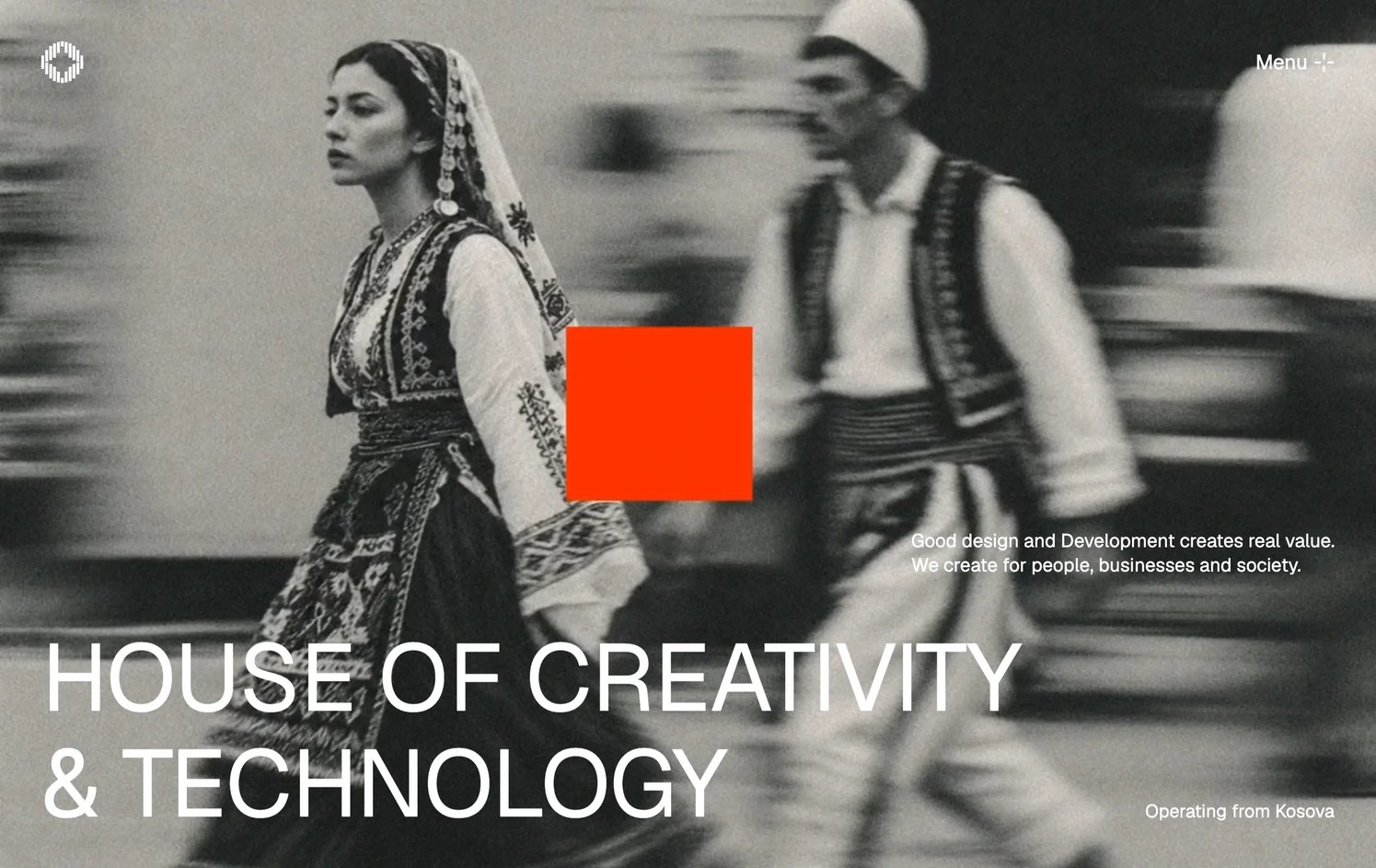
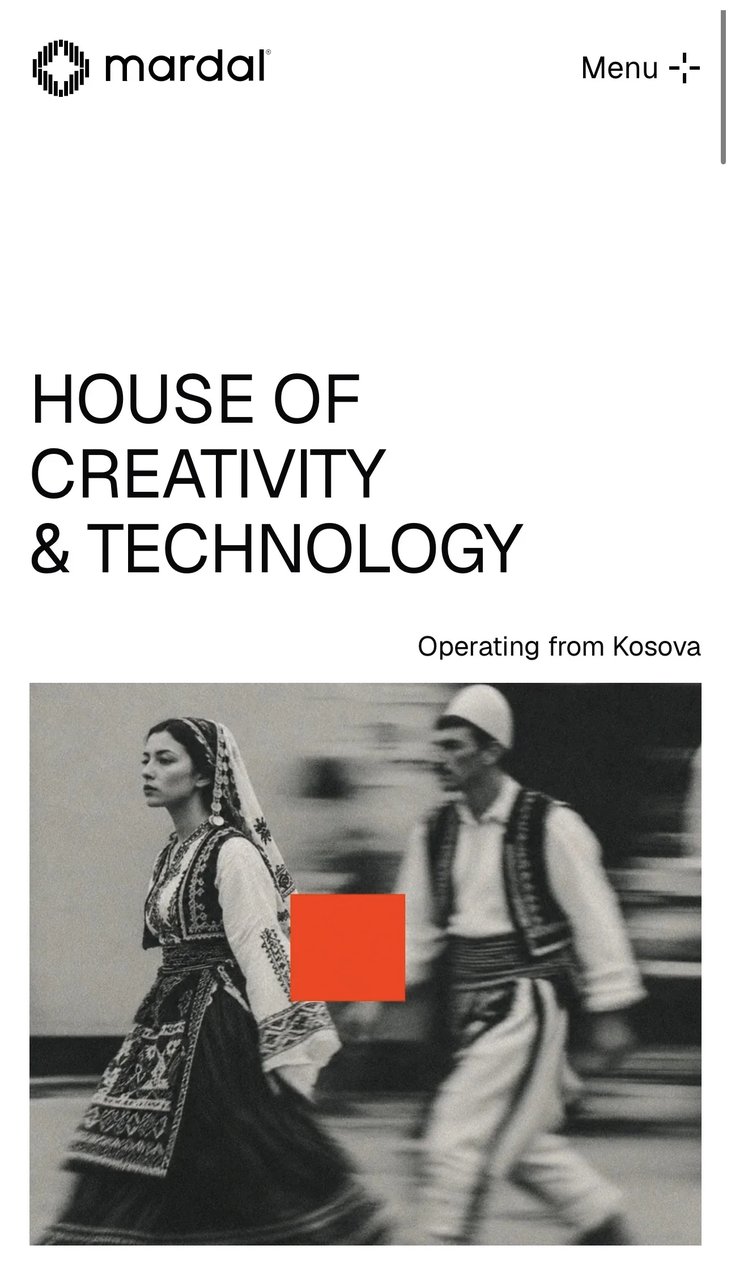
The home page hero is art-directed in monochrome: a motion-blurred photograph of a woman and a man in traditional Albanian dress, a solid accent square placed between them, and HOUSE OF CREATIVITY & TECHNOLOGY set in capitals along the lower edge. The photograph places the studio in Kosovo; the square and the type place it in the present.
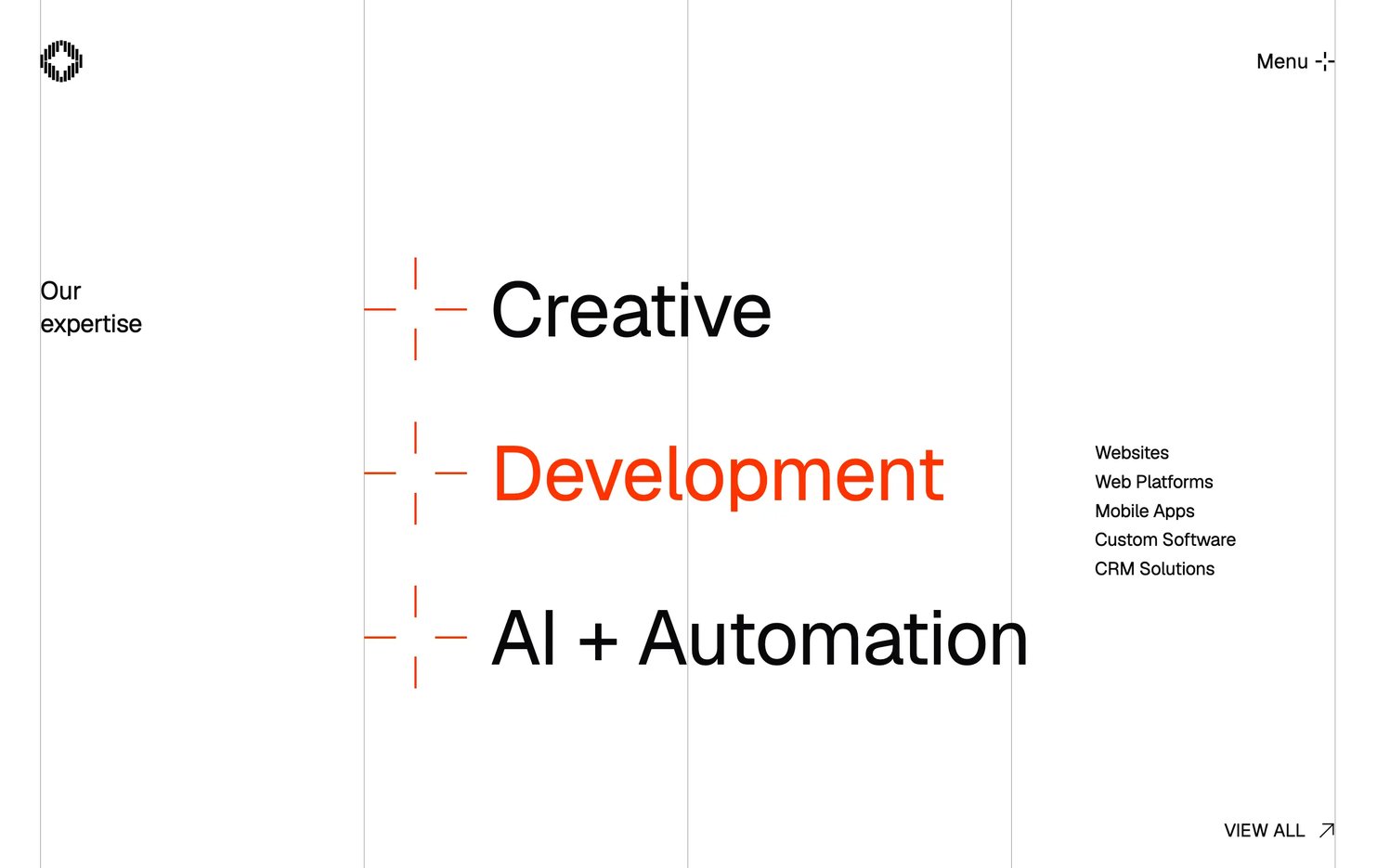
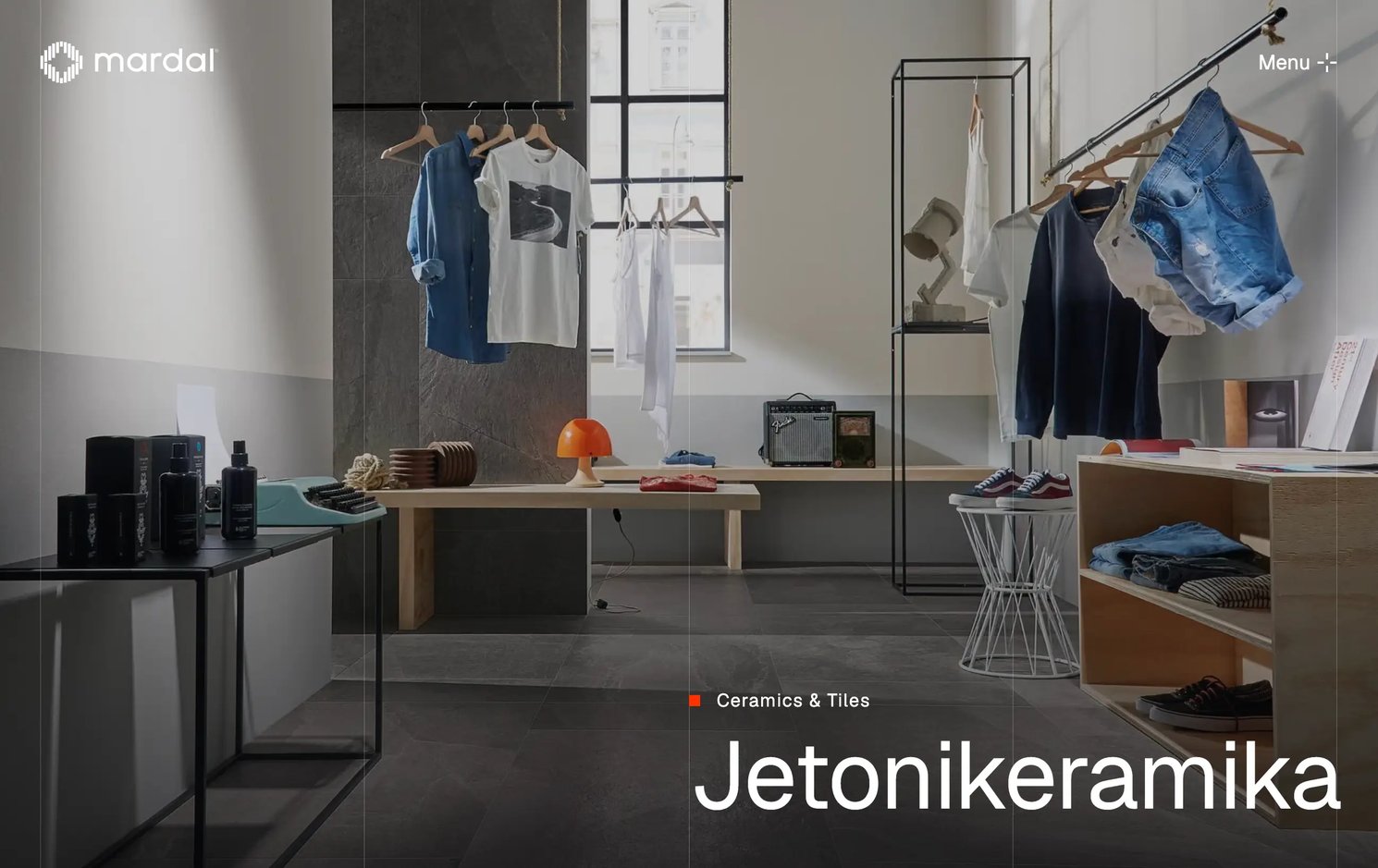
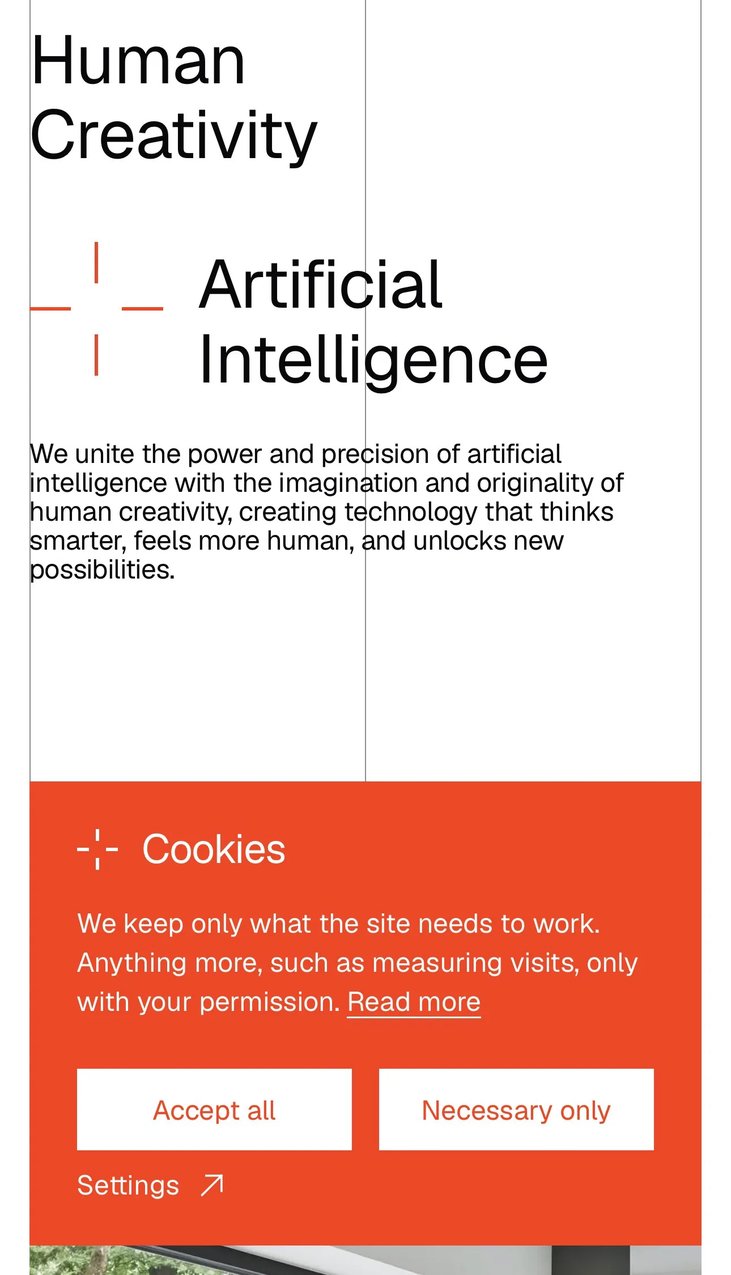
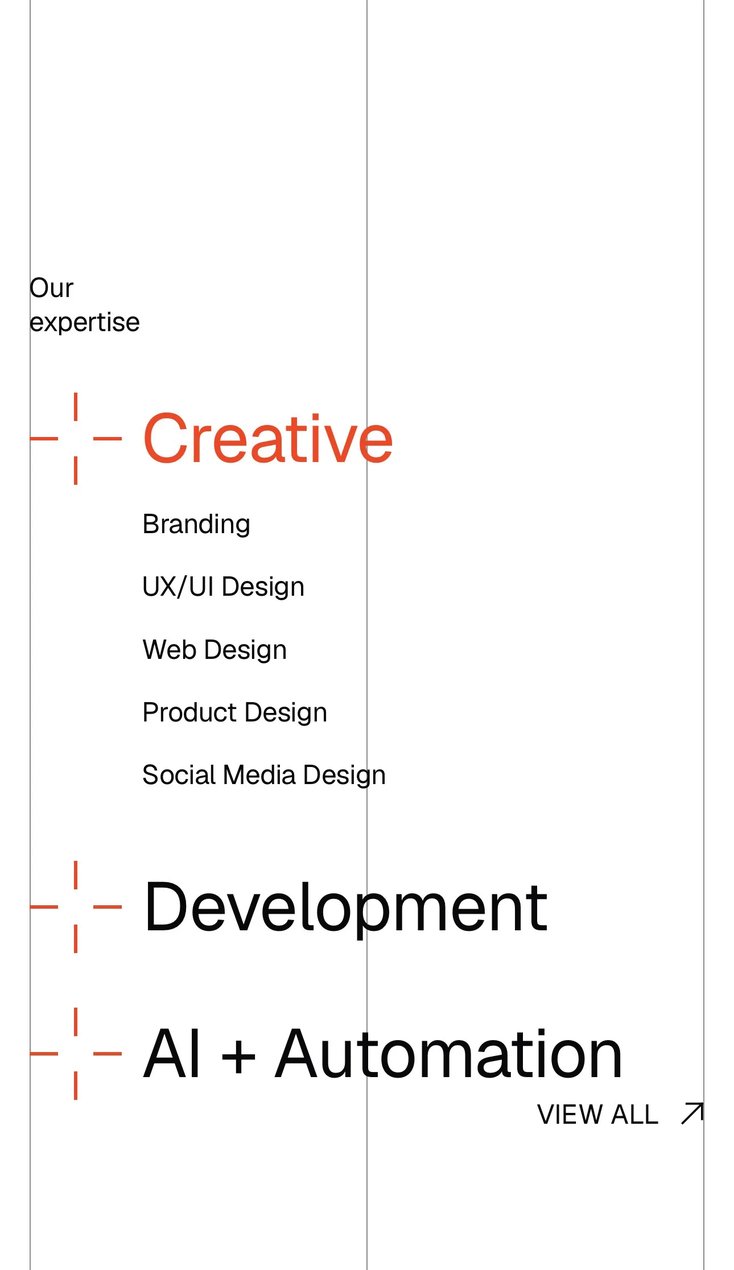
Below the hero, each section has a single purpose and a single focal point. Human Creativity and Artificial Intelligence sit on separate columns, joined by the plus. Selected work uses large image tiles with a three-line caption: client, project type, location. Our expertise sets the three disciplines at display size and reveals the services of the one in focus alongside them. Case study pages open on an image-led hero before any copy.
Interaction
A persistent menu and a scroll-driven services index
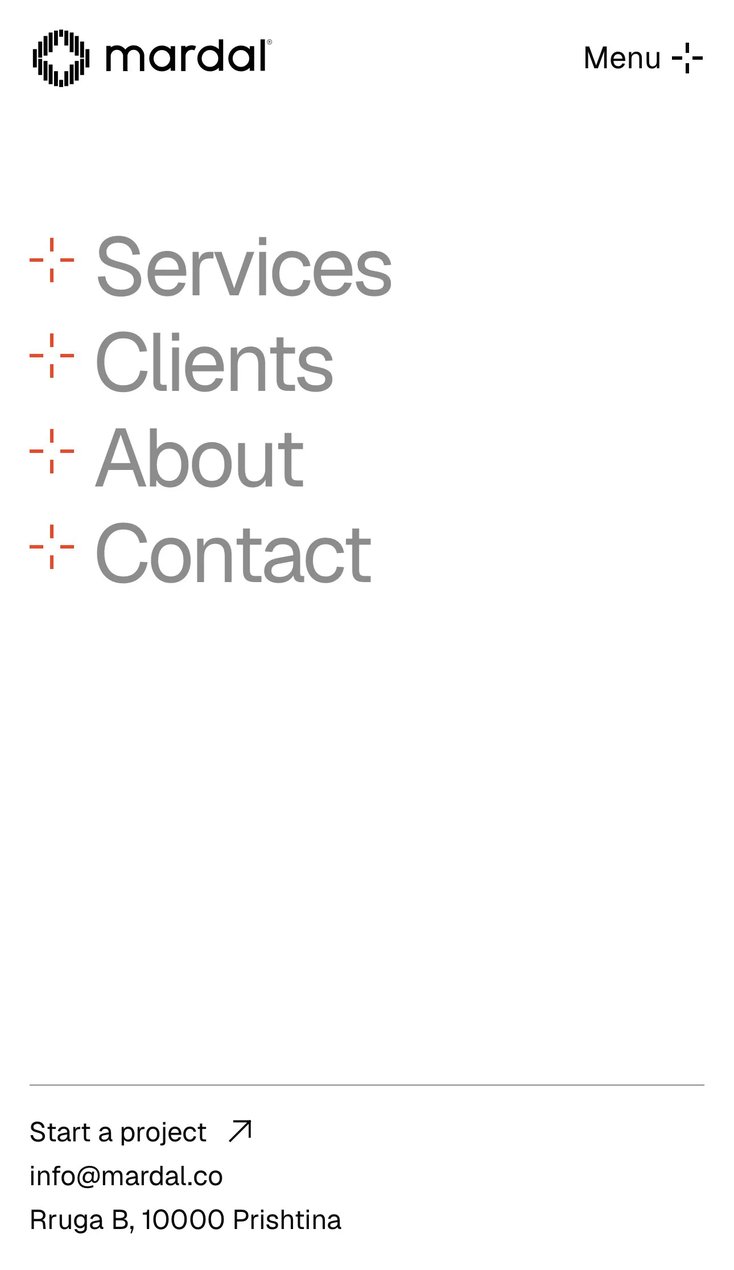
The header is reduced to two elements on a transparent layer: the logo on the left and a persistent menu trigger on the right, fixed for the full length of every page. On scroll, the logo collapses from the full lockup to the symbol alone, freeing the top of the viewport for content. The menu opens inline, to the left of the trigger, rather than as a full-screen overlay: four links (Services, Clients, About, Contact), with the trigger switching to the accent to mark the open state. It closes on scroll or on a second click, so navigation is available on demand and never obscures the content.
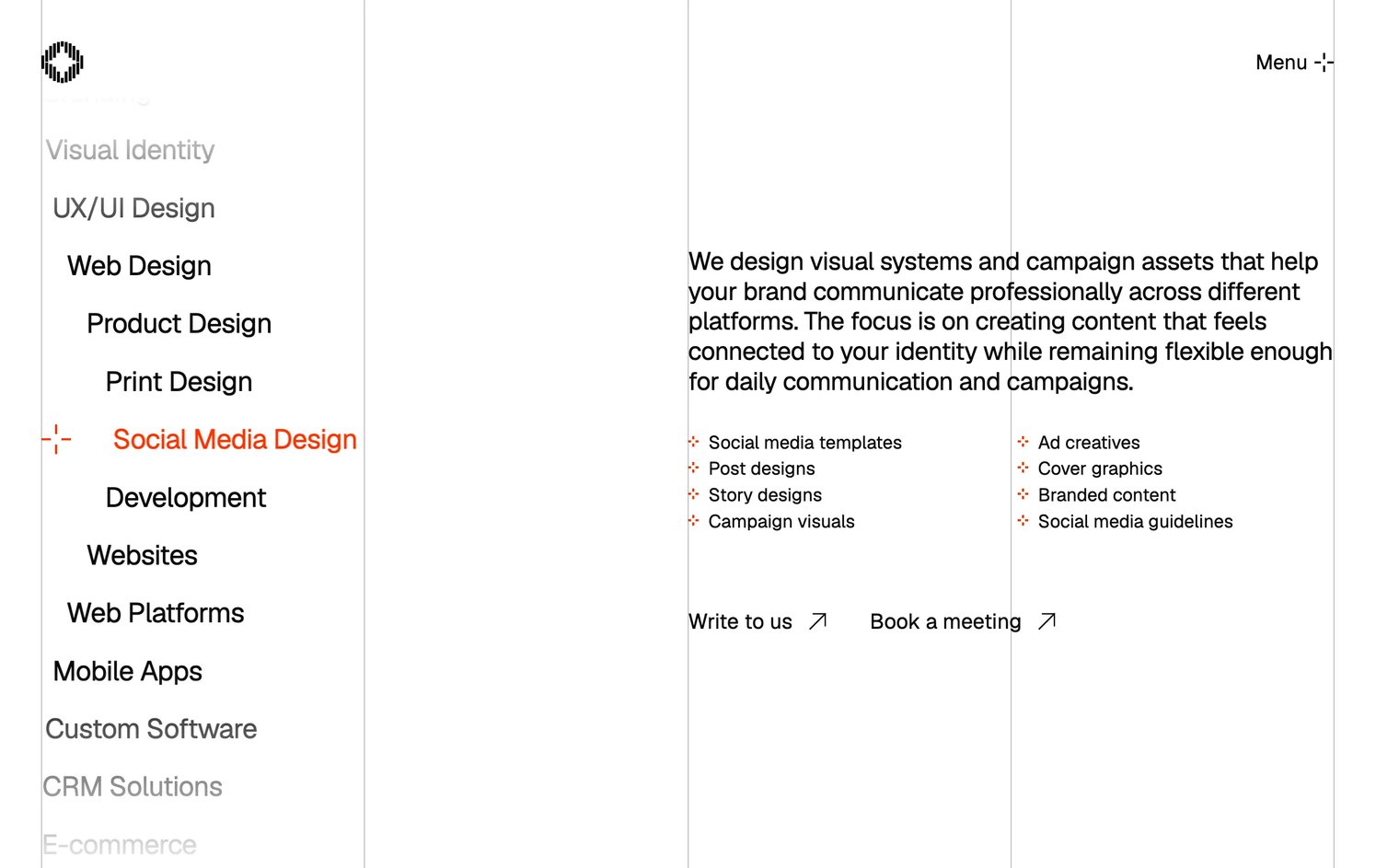
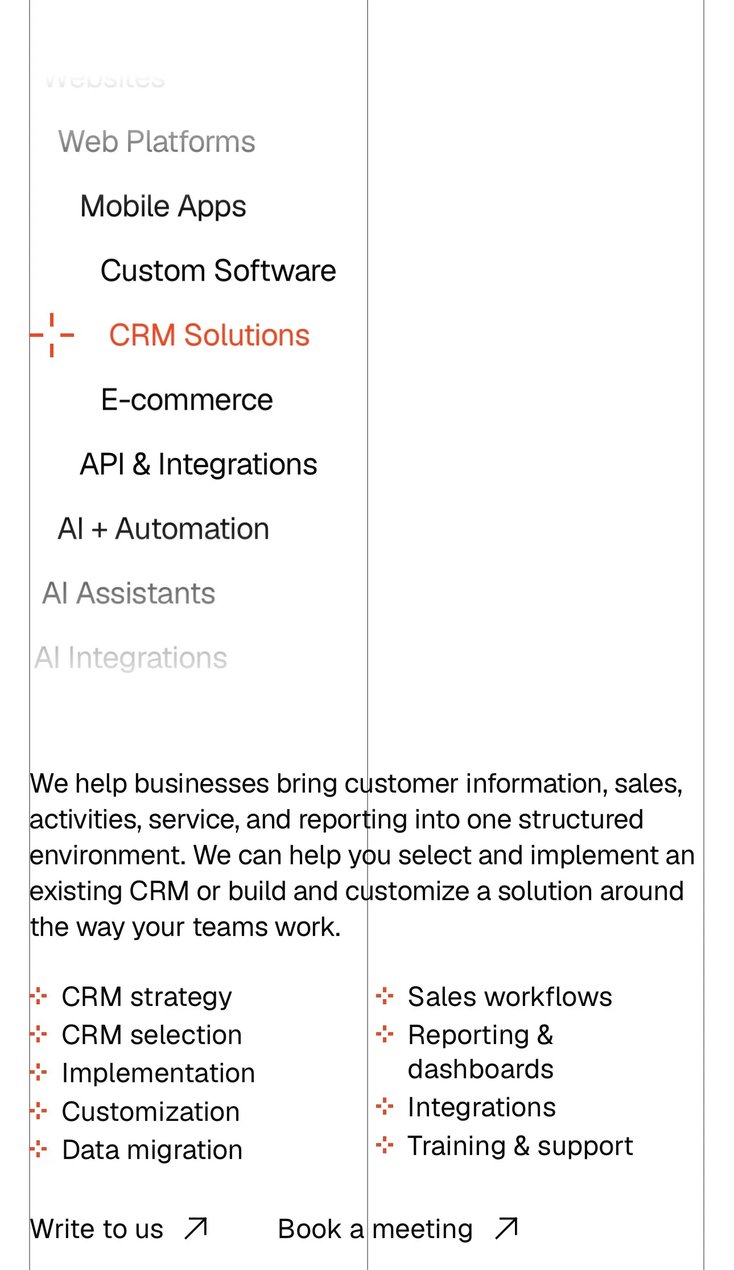
The services page holds the densest content on the site: twenty-two entries, the three disciplines and their nineteen services. A grid would have presented them as a wall of equal-weight items. Instead they run as a single scroll-driven list on a curved path, closer to a wheel picker than to a menu. The entry at the centre of the viewport is the active state, set in the accent with the plus beside it; entries above and below recede along the curve and fade out through gradient masks at the top and bottom edges. A sticky detail panel on the right updates with the active entry: a short description, the service’s deliverables (six to nine each) and two calls to action, Write to us and Book a meeting. The full range stays visible as context while only one service is in focus: progressive disclosure applied to an entire service catalogue.
Motion follows the same principle: it supports reading rather than competing with it. Text enters through a blur-to-focus reveal instead of a slide, and scrolling is smoothed with eased interpolation, so long pages read as one continuous surface.
Mobile
The same experience, not a smaller version of it
The common approach to mobile is to strip the desktop site down: switch off the motion, flatten the layout and replace the signature interactions with plain lists. For Mardal, mobile was designed as the same experience translated to a smaller viewport and to touch, not as a reduced version of it. A visitor who first meets Mardal on a phone should meet the same studio as one who arrives on a laptop.
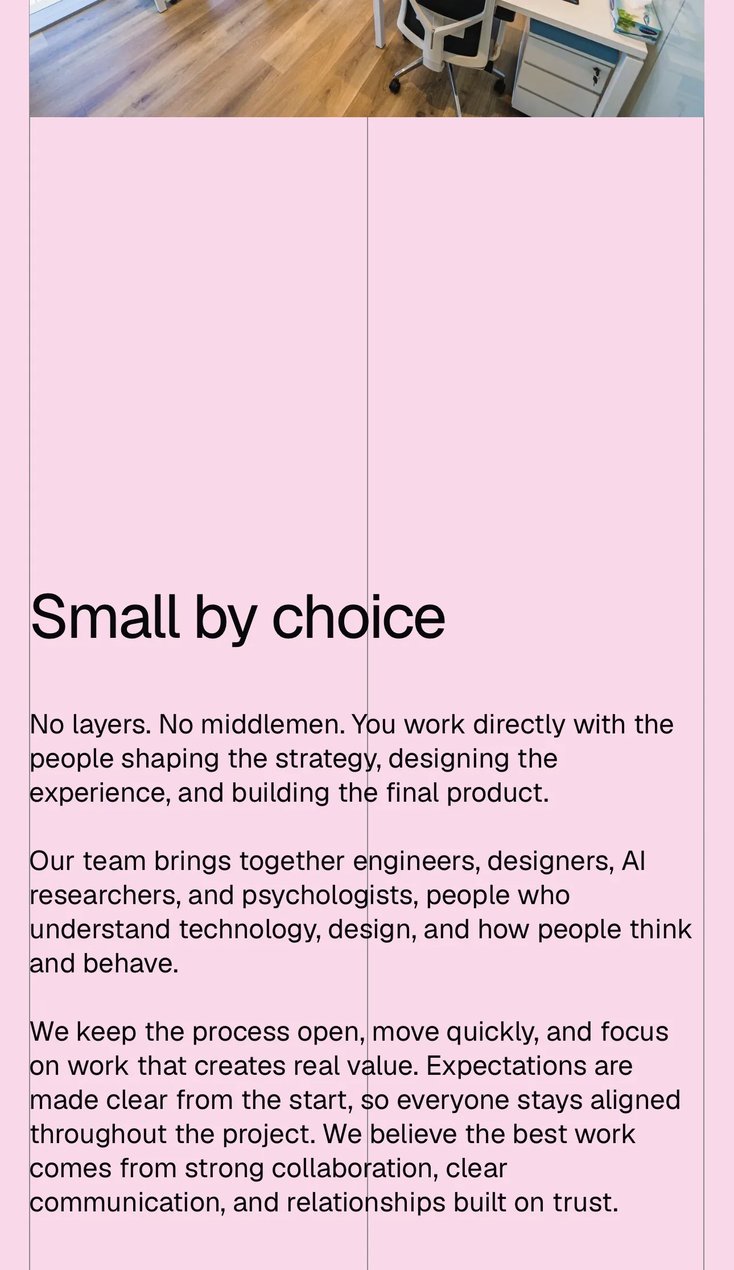
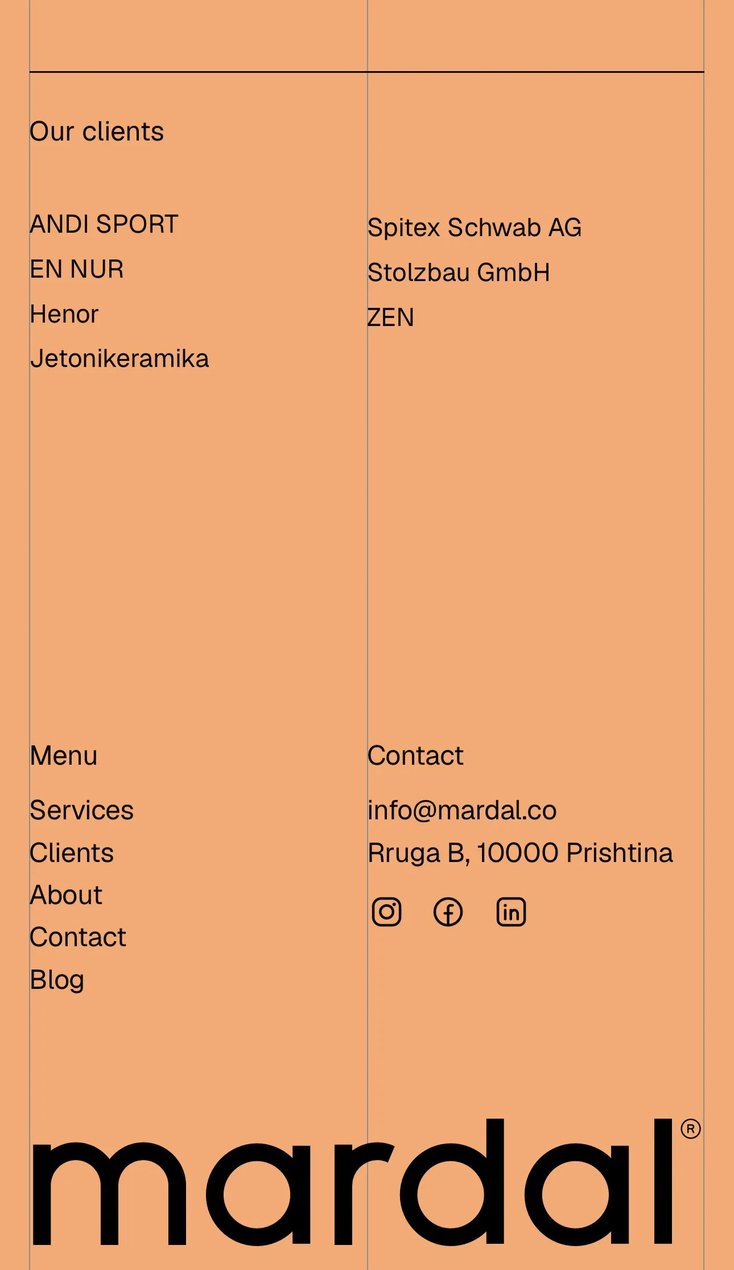
The visual system carries over intact. The exposed grid scales to the narrower viewport and keeps its hairline rules, so the page holds the same structure, alignment and negative space. The type scale is recalibrated rather than replaced: headlines stay at display size relative to the screen, and hierarchy still comes from scale and whitespace. The accent and the plus keep the same roles they have on desktop.
The interaction model carries over too. The menu trigger stays fixed in the same position, so navigation behaves the same way on every device. The services index keeps its scroll-driven behaviour under touch, bringing one service and its details into focus at a time. The blur reveals and the smoothed scrolling run on mobile as well, so the pace and feel of the site do not change with the screen.
Development
Next.js, GSAP and the case for a CMS
The site is a Next.js application built in React. GSAP handles all motion: the blur reveals, the smooth scrolling and the scroll-linked services index, which is the most involved piece of front-end engineering on the site, keeping the curved list, the active state and the detail panel in sync with the scroll position.
Pages are pre-rendered and served as complete HTML, each with its own title, meta description, canonical URL and Open Graph image, so crawlers index the same content a visitor sees. Photography is delivered as WebP at fixed widths, every image has descriptive alt text, and a skip link gives keyboard and screen-reader users direct access to the main content.
Mardal did not want a CMS. I recommended one, primarily for the blog. An agency site goes stale first in the sections that signal activity: case studies, news, writing. Without a CMS, every post requires a developer and a deployment, and a team fully booked with client work will not route an article through a developer. A CMS would let the team write, schedule and publish independently, and a growing archive of articles builds organic search visibility and gives a studio working in AI a place to demonstrate its thinking. The blog launched with three posts.
Outcome
Nineteen services, one at a time
Mardal went from no website at all to one that presents its three disciplines and nineteen services, five case studies, its own products and a blog under its new name. A visitor who arrives with one problem finds the service that solves it in a single scroll, and sees it on its own, with its description and its deliverables, instead of lost in a list. Every service ends in a way to get in touch.
When I presented the first prototype, Mardal was happy with it. The changes they asked for were about content (how much text, how many images), not about structure or interaction. The UX came through its first review unchanged.