Prenaj Immobilien
- Industry
- Real Estate
- Service
- Research · Product Design ·
Full-Stack Development ·
Admin System - Agency
- Monun AG
- Location
- Switzerland
- Stack
- Figma · Next.js · React · TypeScript · Tailwind CSS · GSAP · Supabase · Vercel
Company
New-build specialists across ten cantons
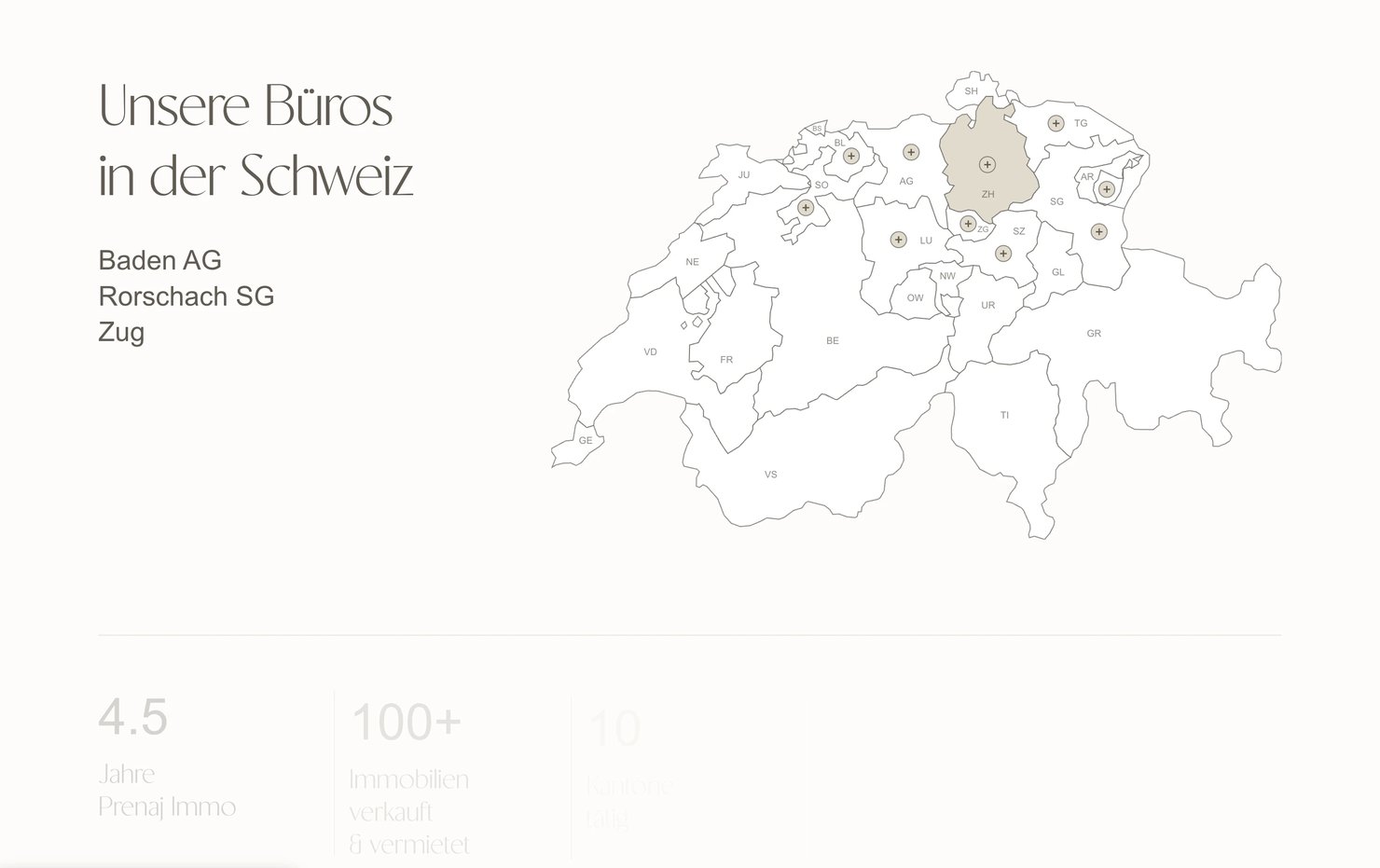
Prenaj Immobilien GmbH is a Swiss real estate company run by its owner, Bettina Prenaj. It specialises in new-build projects and accompanies them from the first idea through marketing, letting, handover and long-term management, with offices in Baden, Rorschach and Zug and properties in ten cantons. In a little over four years it has sold or let more than a hundred properties, and it has more than ten new projects lined up for 2026 and 2027. The project came through Monun AG in 2026.
The problem
A brochure for a business that sells inventory
The old website was built on Wix. It looked the way a template looks, and behind it there was nothing: no database, no filters, no structured information about the properties. A listing was a page someone had assembled by hand, often with key facts missing, and changing anything meant management wrestling with a page builder that had never been designed for a property portfolio.
For a company whose product is a changing inventory of apartments and houses, that was the wrong kind of website. Visitors could not search. Buyers could not compare. The team could not keep up.
Research
Better references than the ones I was given
I began by asking the client for two things: the colours they preferred, and websites from other companies they admired. The references arrived, and on closer inspection most of them were poorly made. Following them would have reproduced their problems.
So the research went wider. I reviewed fifteen further real estate websites, mostly Swiss, looking at how they present a property, how quickly a visitor can narrow a search, and how much a page asks of someone comparing several homes at once. The decisions that came out of it were about restraint. A smoother, calmer visual style than the market default. Every fact a buyer needs, on the card and again on the detail page, so nothing has to be requested. And a constant check on cognitive load, so that finding and choosing a property stays fast: few filters, facts shown as icons and numbers rather than sentences, status made visible at a glance, one menu and one action per view.
Design
Stone, sand and a hairline typeface
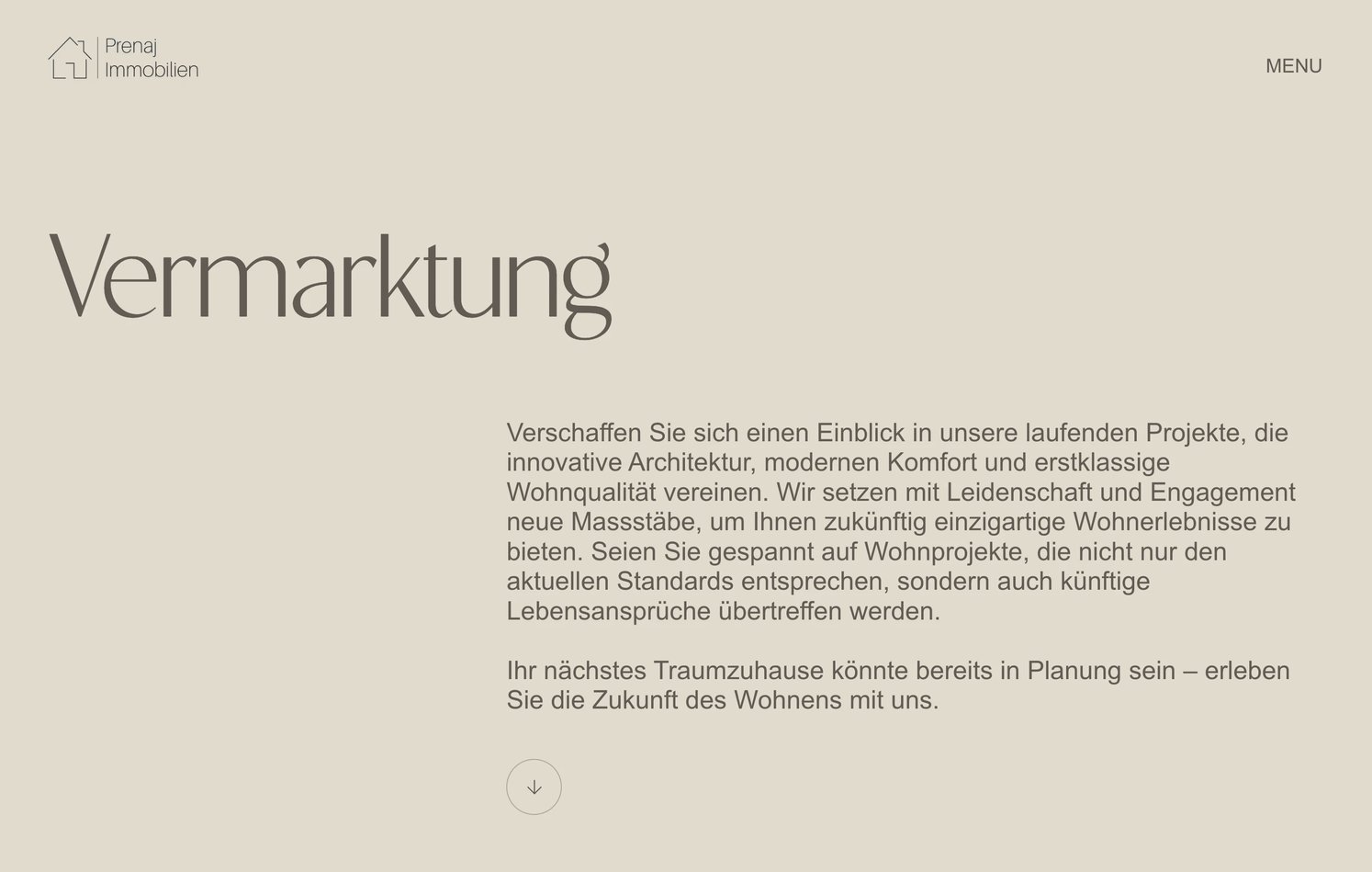
The interface was designed in Figma, screen by screen, by hand. The palette stays inside the colours of the buildings themselves: a warm cream ground, greige panels, and a deep taupe for the menu and the hero overlay. Faint vertical grid lines remain visible on the page like the guides on an architect's plan.
Headlines are set in CS Antire, a hairline display face used very large and very thin, against Arial for everything read at length. The contrast between the two carries the whole tone: the property is the expensive thing, the type stays out of its way.
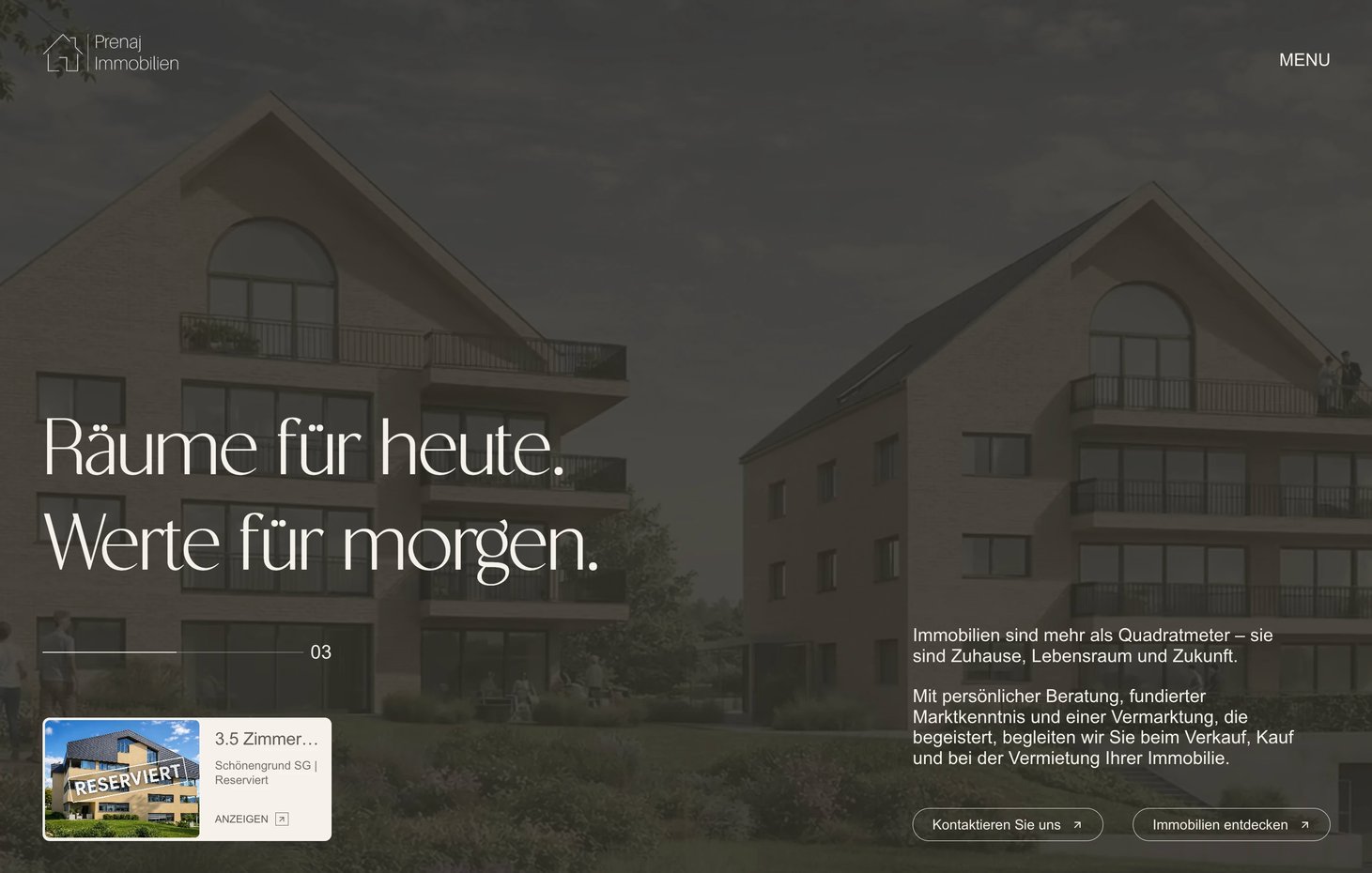
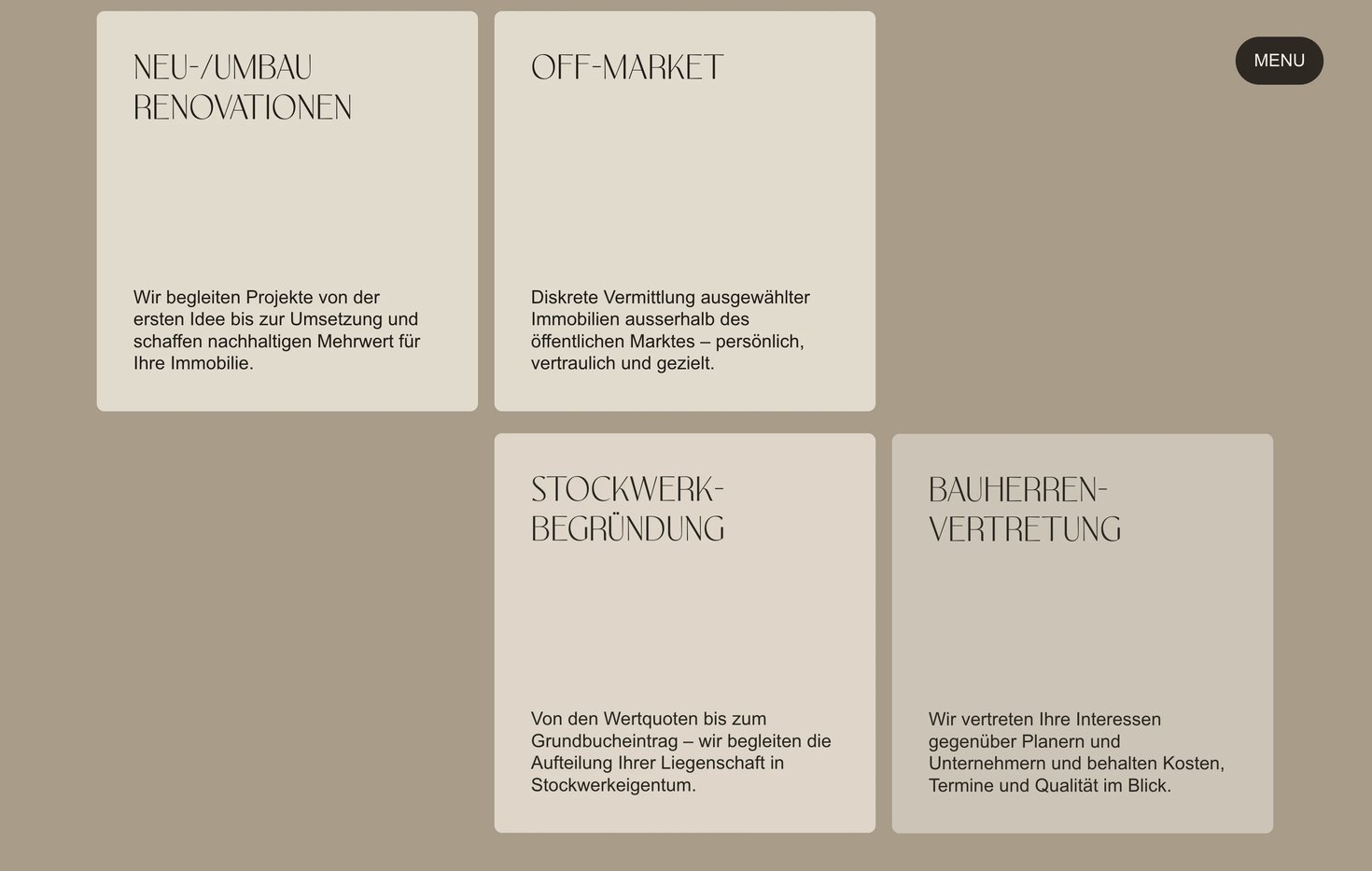
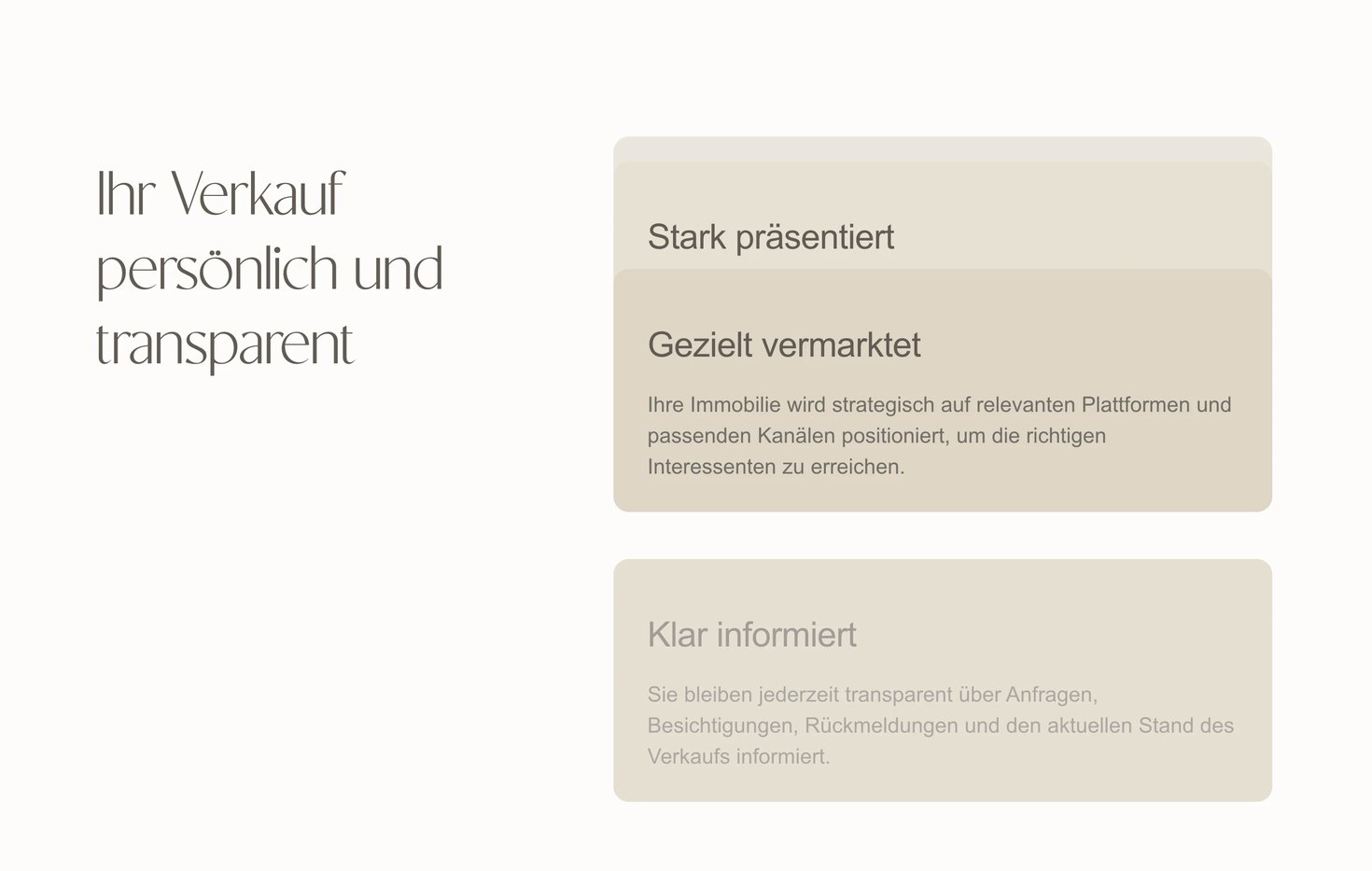
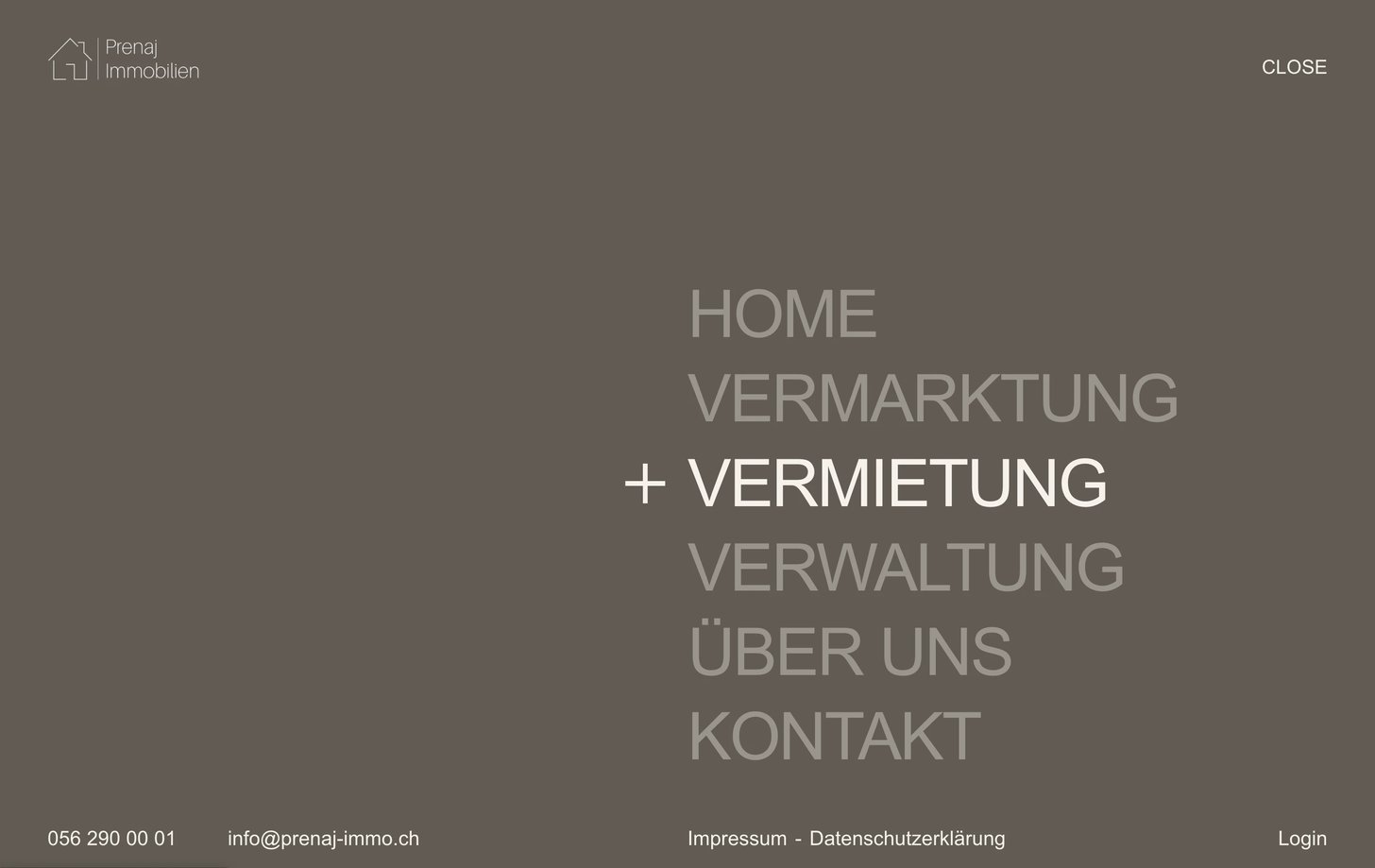
The full-screen menu is the site's only navigation, six words in large capitals on taupe with a plus beside the active one. The hero pairs the headline Räume für heute. Werte für morgen. with a small live card, a current property with image, rooms, location and status, pulled from the database rather than placed by hand. Buttons follow the cursor slightly on hover, service cards stack and reveal on scroll, and the property carousel moves at the same unhurried pace, all of it driven by GSAP and kept slow enough to feel like the palette.
Finding a property
Five filters, one map, and nothing to learn
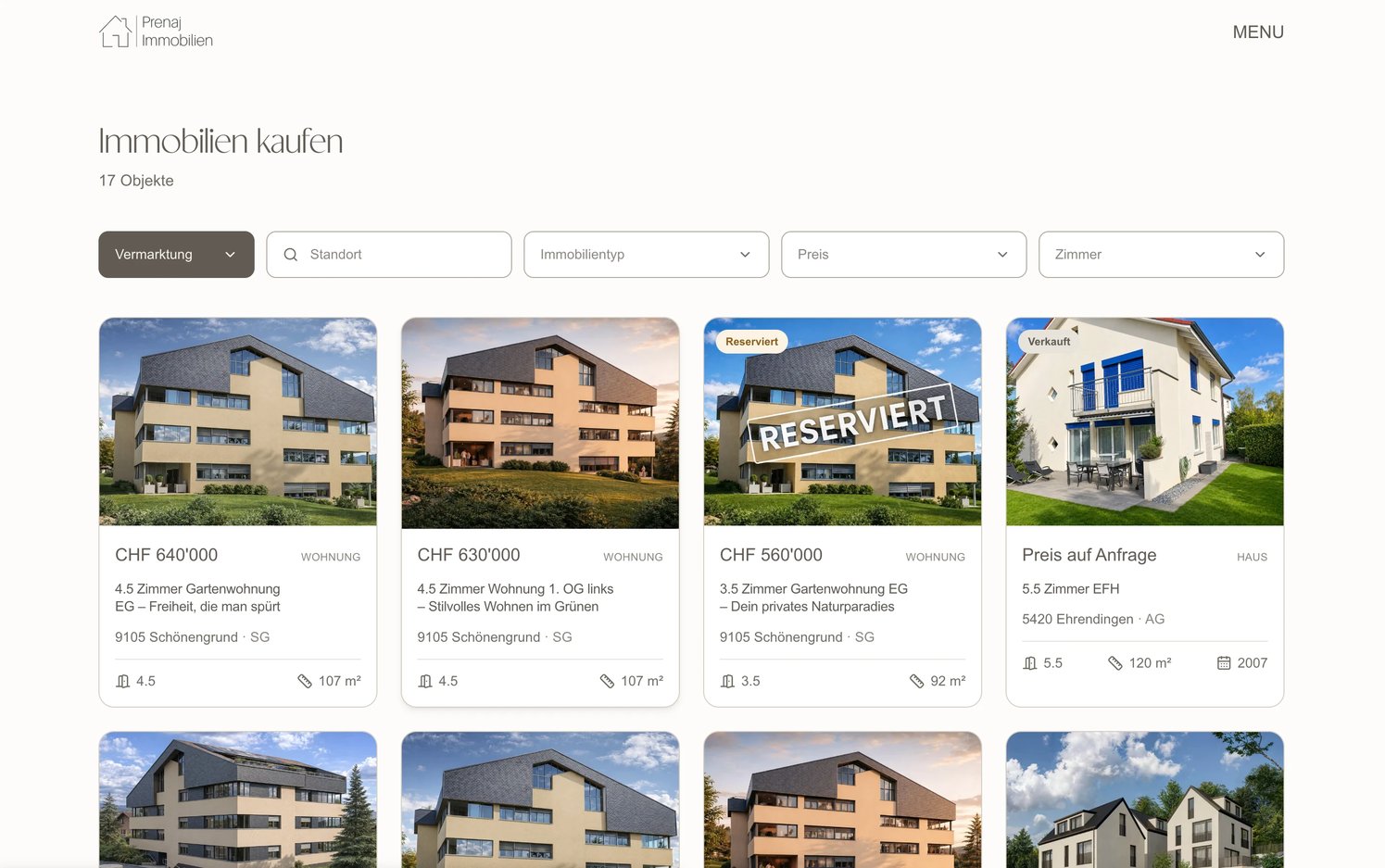
The listing page is where the research shows. Five filters and no more: status, location, property type, price and rooms. Each card carries the price, the type, the title, postcode and canton, rooms and living area, and for houses the build year. Status is part of the design rather than a footnote: a Reserviert stamp runs diagonally across a reserved property, Verkauft marks a sold one, and Preis auf Anfrage is handled as a state of its own, not as a missing number.
The map does the same job from another direction. All twenty-six cantons are drawn, markers sit only on the ones with properties, and clicking a canton filters the listings to it. Because the filter lives in the URL, a filtered view can be linked and shared.
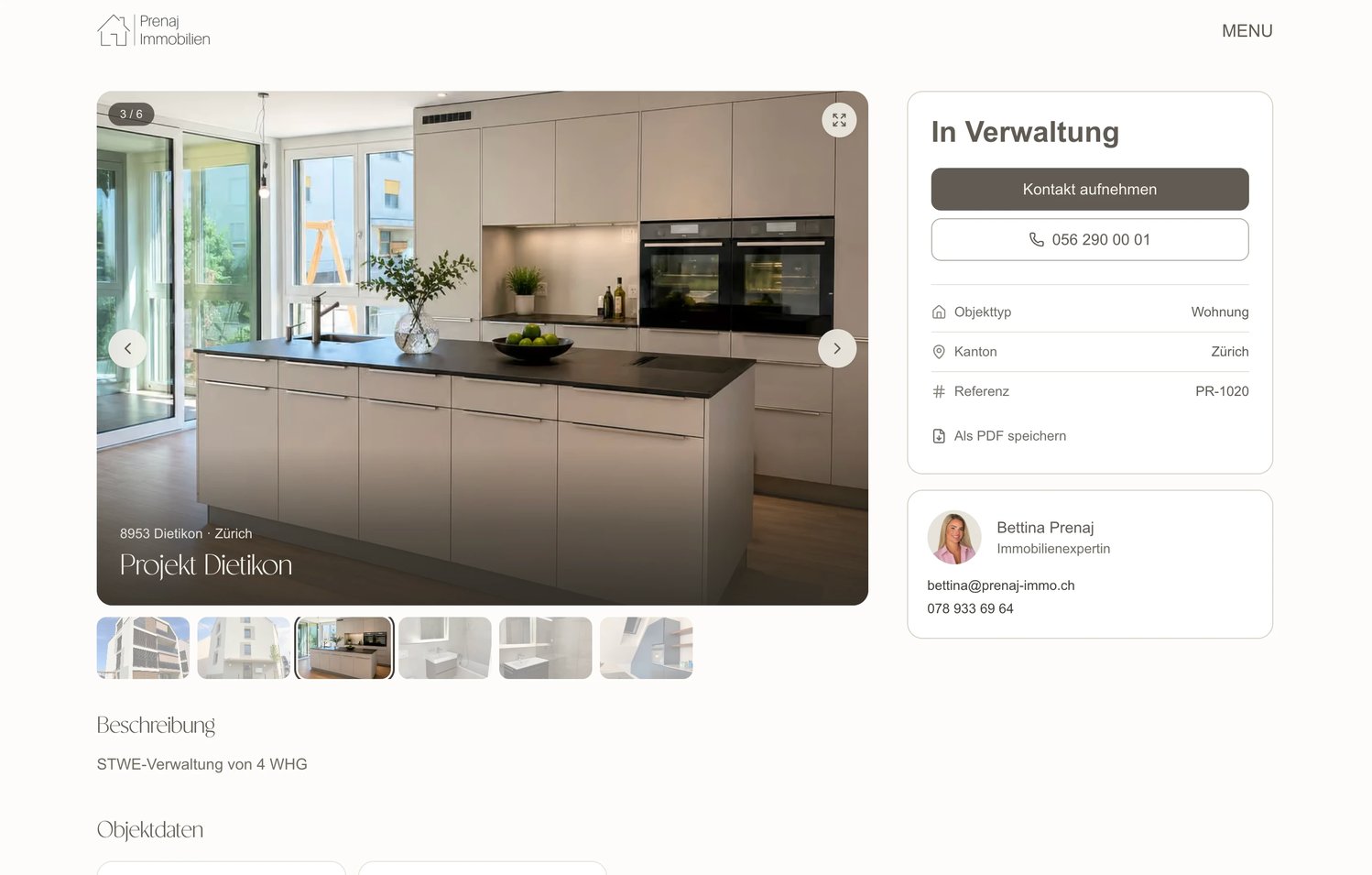
The detail page gives a buyer everything in one place: a ten-image gallery with fullscreen and thumbnails, the facts in a scannable panel, a reference number, a viewing request button, the office phone number, and the agent's own card with photo, email and mobile. Twelve features, from balcony to pool, are listed as facts rather than buried in the description. Als PDF speichern builds an exposé from the listing on the server, so a buyer can keep a property to read later or hand to a partner.
The admin
A form that knows what a property is
The team manages everything from an admin panel inside the same application, designed in the same cream palette and outlined fields as the site, so it reads as part of the brand rather than a tool bolted onto it.
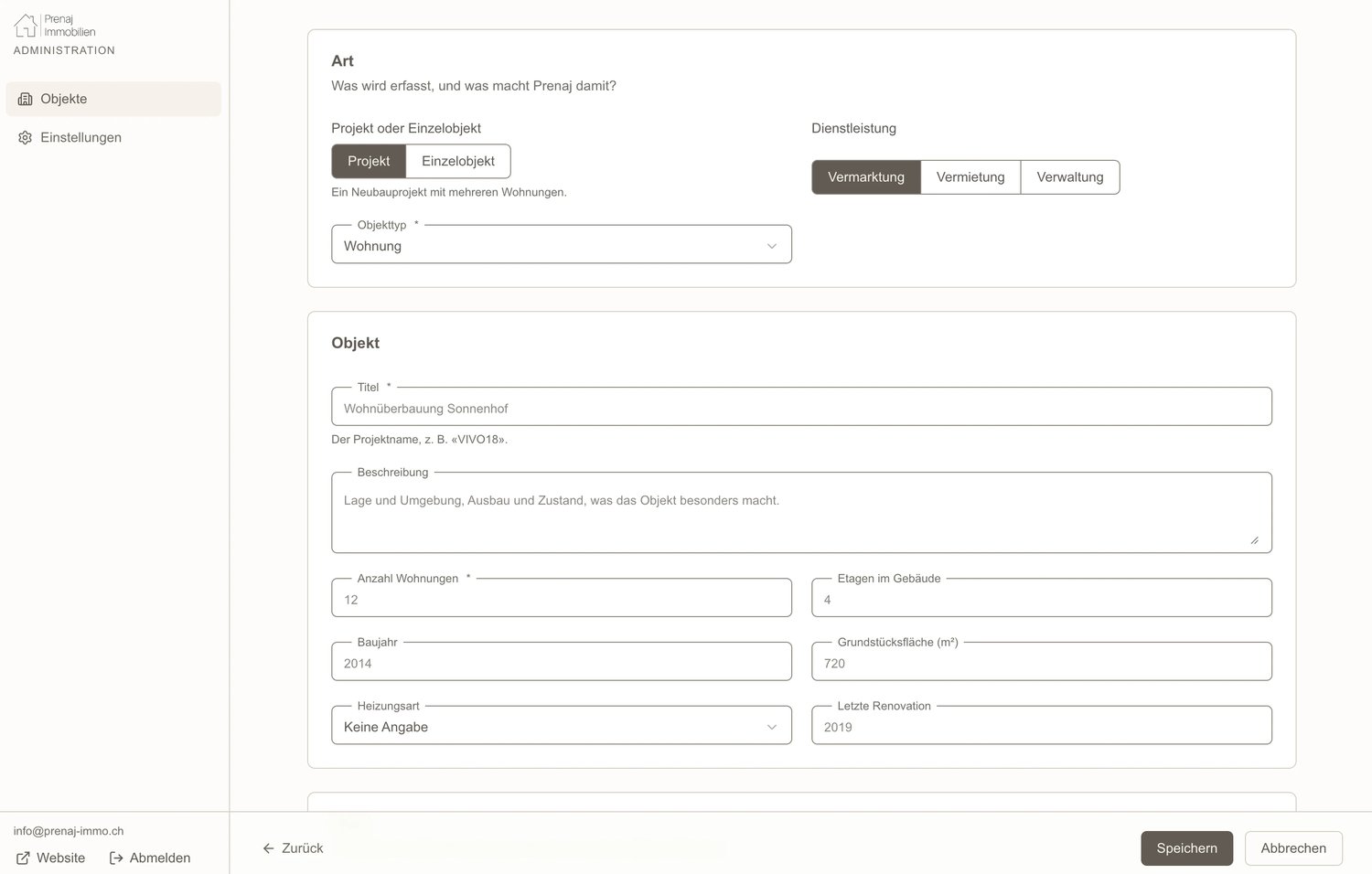
The listing form starts with the question the business asks first: is this a whole project or a single object? A project, a new-build with several apartments, gets its own fields for the number of apartments, floors, build year, plot area, heating and last renovation. A single object gets the fields a buyer compares: type, rooms, living area, features. Either way the form asks for the service, Vermarktung, Vermietung or Verwaltung, and that one choice decides where the listing appears on the public site.
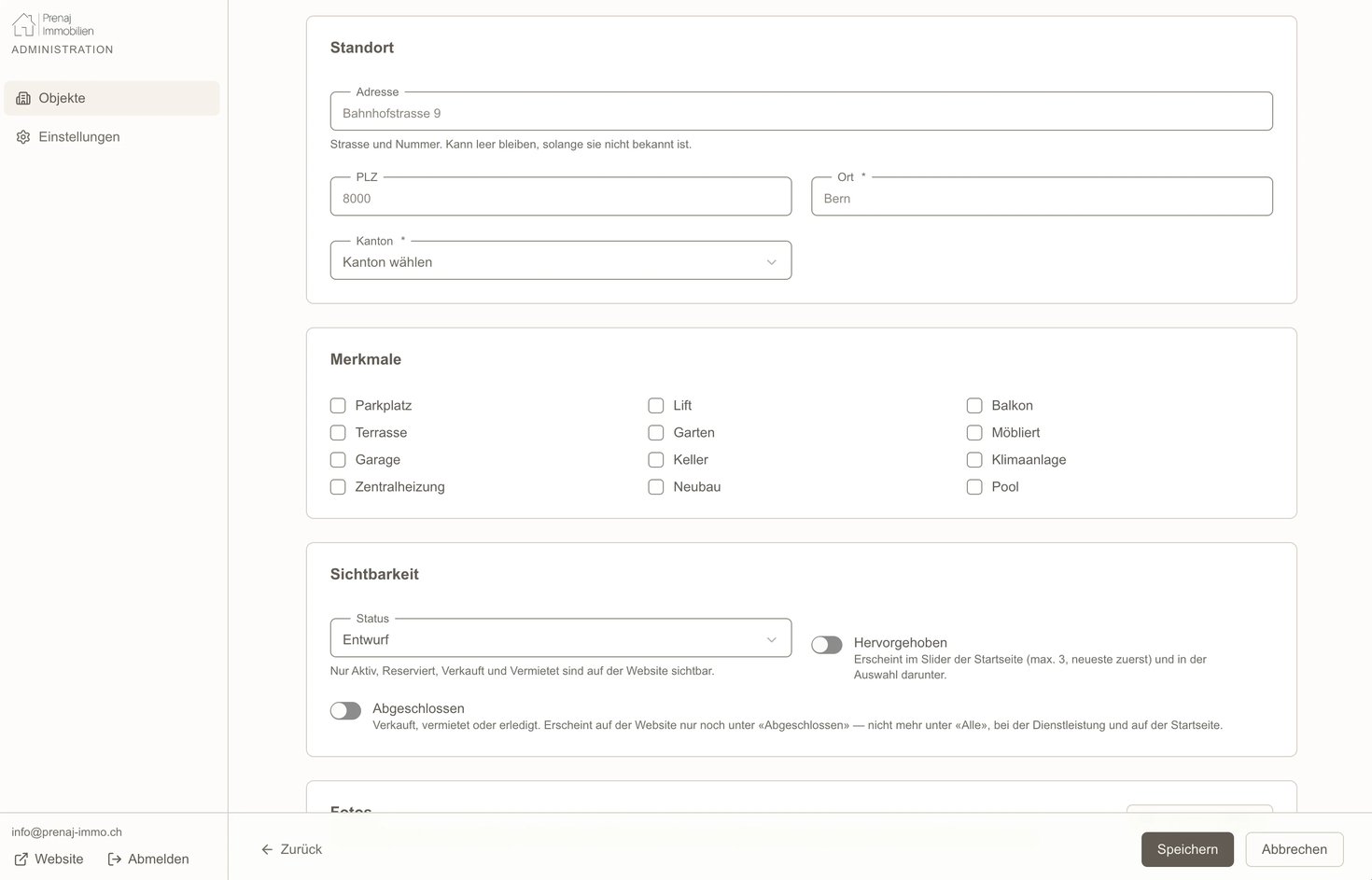
The rest of the form is built around how the company actually works. The price is entered in francs and can be switched off for the website; the site then shows Preis auf Anfrage while the amount stays stored, ready for when the client wants it public. The address can be left empty until it is known, but postcode, town and canton are required, because the canton is what places the listing on the map. Twelve feature checkboxes, from balcony and garage to lift and pool, feed the facts on the property page. Photos upload in a batch, the first one becomes the cover, and a listing without a photo shows a placeholder rather than a broken page.
Visibility is three controls with the consequences written under them. A status of Entwurf keeps a listing hidden; Aktiv, Reserviert, Verkauft and Vermietet make it public and put the matching stamp on its card. Hervorgehoben places it in the homepage slider, at most three at a time, newest first, which is where the hero's live property card comes from. Abgeschlossen retires it to the completed page and removes it from everywhere else. Every field carries a line of plain German saying what it is for, so a new employee can publish a property without being shown how.
The Objekte overview lists all listings with thumbnail, reference number, location, type, service, price and status, filters them by service or completion, and searches by title, town, postcode or reference. From there a listing is edited, duplicated or deleted in one click.
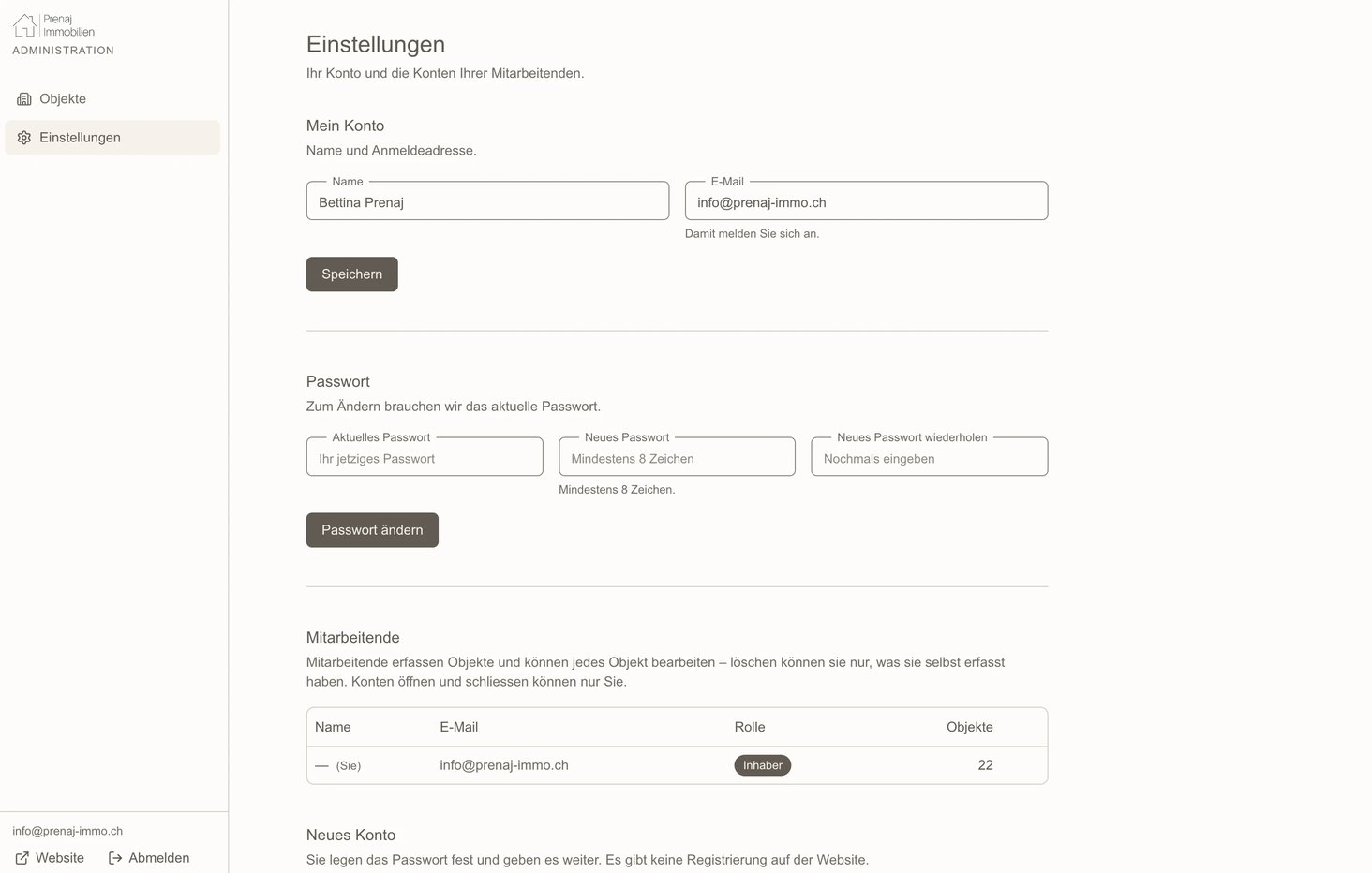
There are two roles. Nobody can sign up; the owner creates every employee account herself, sets a first password and hands it over in person. Everyone can see, add and edit listings. Only the owner can add or remove accounts, and only the owner can delete any listing; an employee can delete only what they created. When an employee leaves and their account is removed, their listings pass to the owner rather than disappearing, and the owner cannot delete her own account, so there is always one person who can get in. All of this is enforced by the database itself, not only by the screens: an employee who found a way around the interface would still be refused.
Development
One codebase, one data path, no redeploys
The site is one Next.js application in TypeScript, with the public website and the admin panel in the same project, styled with Tailwind on a single shared set of colours and sizes. Supabase provides the database, authentication and photo storage; Vercel hosts it.
Four tables hold the data: properties, property images, admins and contact messages. Visitors never touch them directly. They read a public view containing only published listings, and row-level security blocks everything else. Every page is rendered on the server and every read goes through a single data module, so there is exactly one place where the site talks to the database.
Saving a listing in the admin refreshes the public site and the sitemap immediately. No rebuild, no redeploy: the team presses save and the property is live. The PDF exposé is generated on the server from the same listing data, so it can never disagree with the page. The contact form stores each message in the database and forwards it by email to the office.
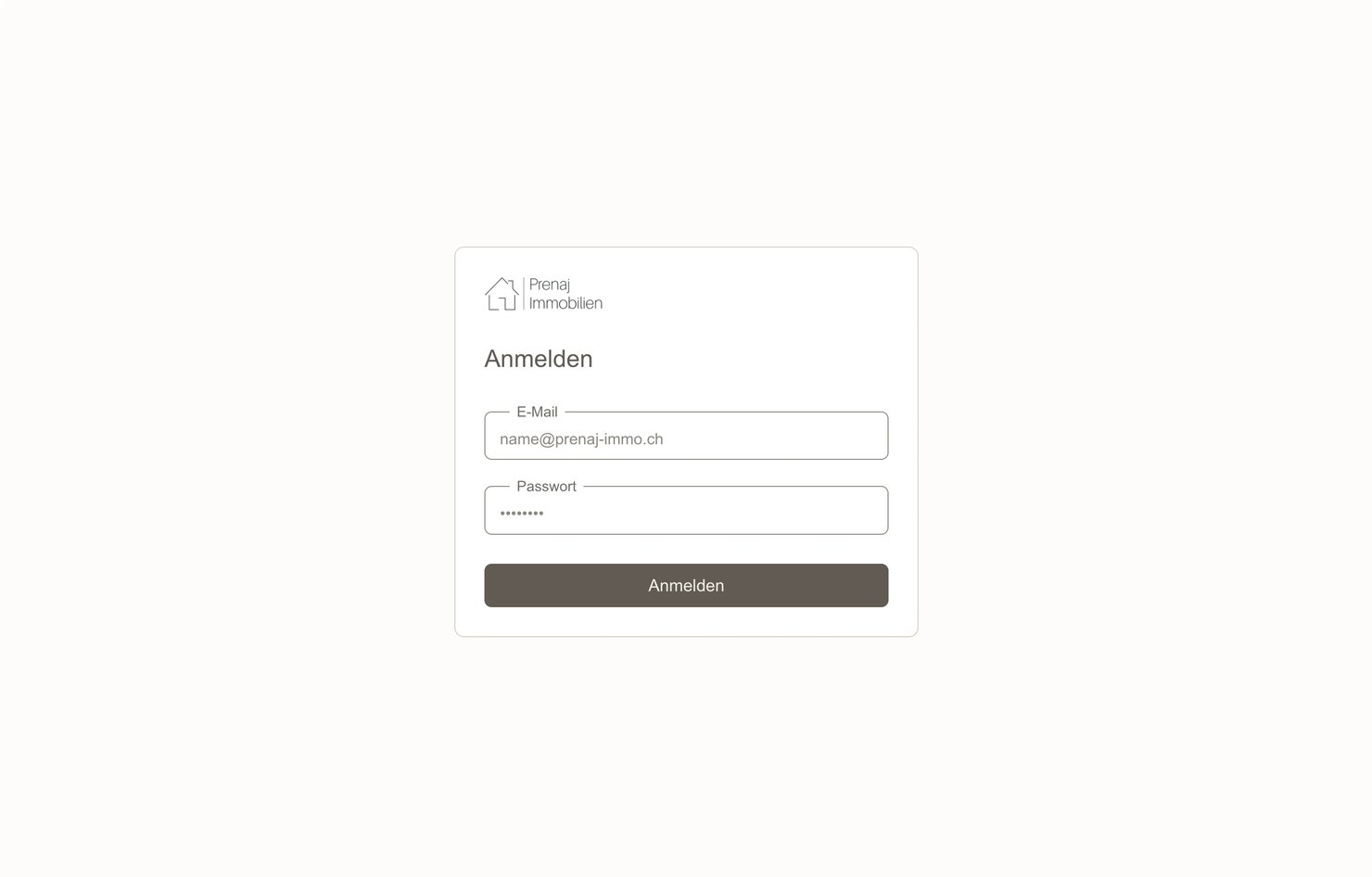
Some of the work is invisible on purpose. The login gives the same error whether the email or the password is wrong, so nobody can learn which accounts exist. Secret keys stay on the server and cannot reach the browser. Every database change is a migration file, and a single command runs the type check, the lint and the tests. If the database keys are ever missing, the site falls back to sample listings and the admin refuses to save, rather than failing in front of a visitor.
Outcome
From a page someone assembled to a platform the team runs
Prenaj went from a Wix brochure to a property platform. Twenty-two properties are in the system, twenty of them live with complete facts, searchable by five filters and by canton, each with a gallery, a PDF exposé and a direct line to the agent. The team adds, edits and retires listings themselves, in minutes, and every change is on the site the moment it is saved. And the rules of the business, who may publish, who may delete, what happens when someone leaves, are written into the system rather than left to habit.